Notifications
Clear all

Limited Support

Our support team is currently on holiday from December 25, 2025 to January 7, 2026, and replies may be delayed during this period.

We appreciate your patience and understanding while our team is away. Thank you for being part of the gVectors community!

Merry Christmas and Happy Holidays! 🎄

Embeds not working

12 Posts
5 Users
0 Reactions
3,712 Views
Posts: 4
Customer
Topic starter
(@bruce-young)
Member
Joined: 5 years ago

I just purchased the advanced attachment addon. I am trying tyo embed youtube vids into a topics.

I select the source code tool from the tools menu, insert the embed code for the video. The video appears in the frame. I then select the add topic button. The title stays but the video and the embed code disappears.

Am I missing something. 


11 Replies
Astghik
Posts: 6581
Admin
(@astgh)
Illustrious Member
Joined: 8 years ago

@bruce-young,

No necessary to use the embed code for the addon. Just copy the link from the address bar, then paste it in the post content. 


Reply
Posts: 4
Customer
Topic starter
(@bruce-young)
Member
Joined: 5 years ago

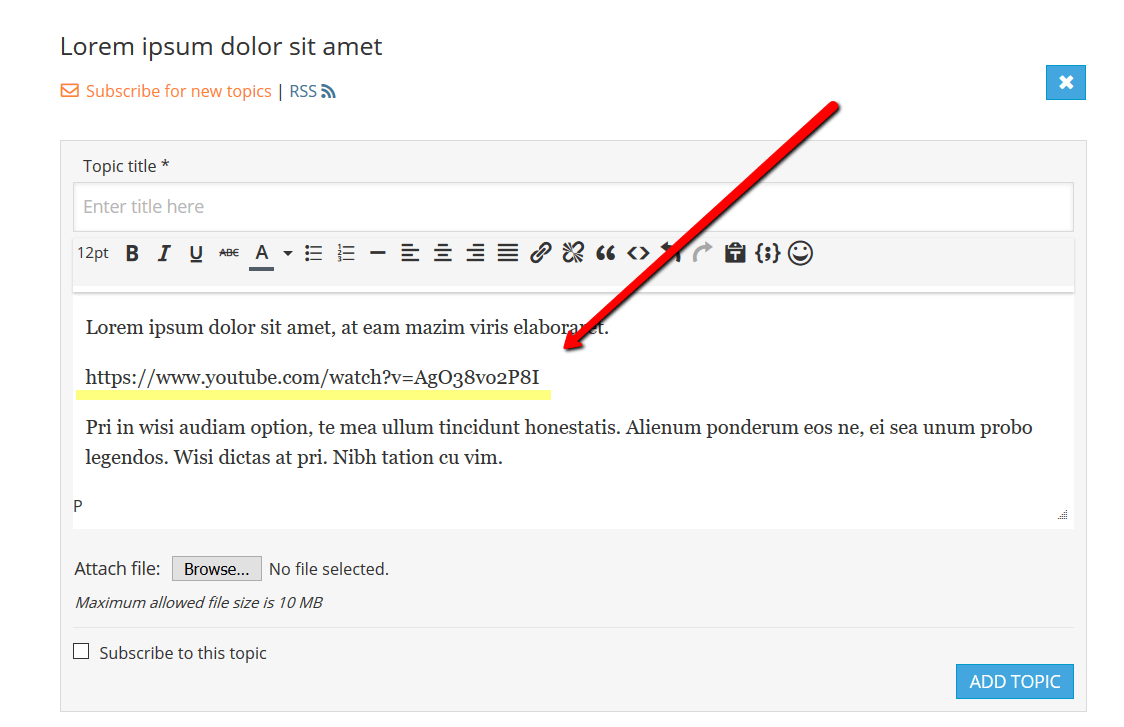
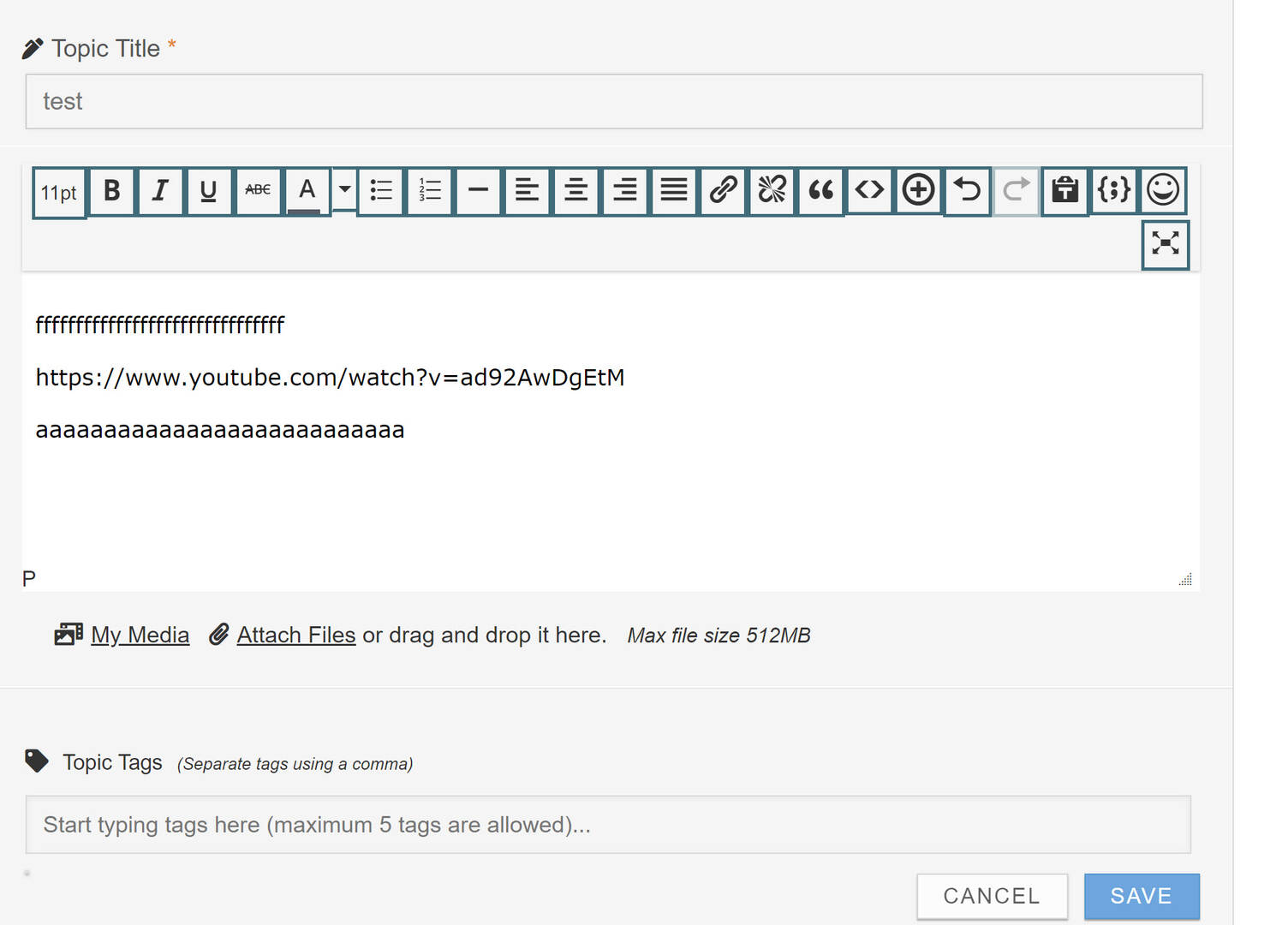
Thank for the prompt. I have tried that (image 1)

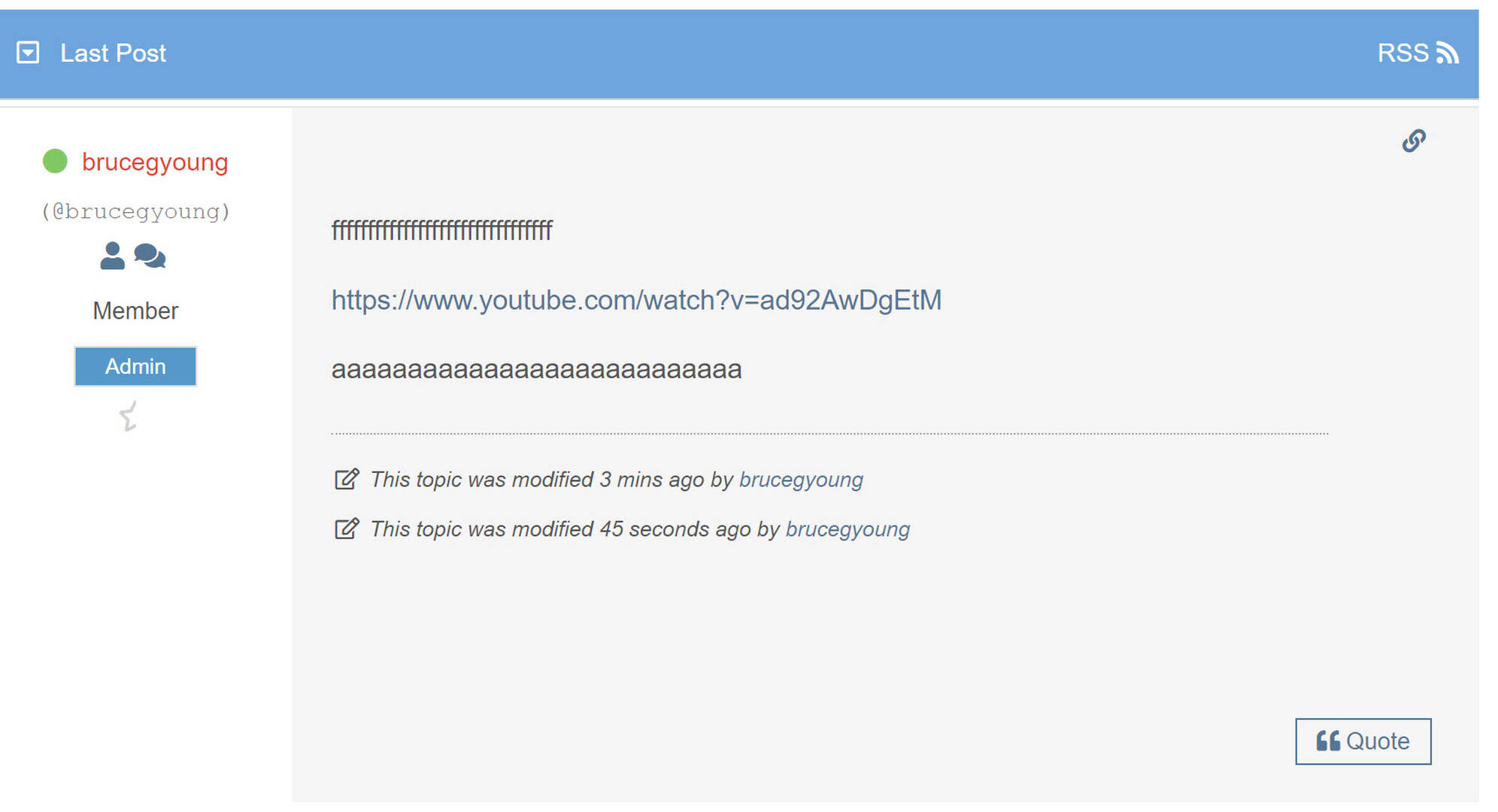
But when I view it as a guest all I see is the url (image 2)

THoughts?

1
2


Reply
2 Replies
Customer
(@bruce-young)
Joined: 5 years ago

Member
Posts: 4

I cleared Litespeed cache and disabled caching.


Reply
Astghik
Admin
(@astgh)
Joined: 8 years ago

Illustrious Member
Posts: 6581

@bruce-young,

I just purchased the advanced attachment addon. I am trying tyo embed youtube vids into a topics.

wpForo Advanced Attachments is a file attachment plugin. It allows attaching multiple files, images, videos, audio and all other file types you’ve allowed in settings. 

wpForo Advanced Attachments:

Product:

https://gvectors.com/product/wpforo-advanced-attachments/

Demo:

http://addons.wpforo.com/community/wpforo-advanced-attachments/wpforo-advanced-attachments/

The wpForo Embeds addon is designed as a core post content replacer. It checks content provider URLs and replaces to content provider view (video, audio players, social network widgets, etc..).

wpForo Embeds is a 3rd party URL (Youtube, Soundcloud, etc.) embed-er addon.

wpForo Embeds:

Products:

https://gvectors.com/product/wpforo-embeds/

Demo:

http://addons.wpforo.com/community/wpforo-embeds/wpforo-embeds/


Reply
Posts: 4
Customer
Topic starter
(@bruce-young)
Member
Joined: 5 years ago

I choose the incorrect title for my post. I am not trying to embed a video, I am trying to paste the address in the topic or reply box and have the video appear in the topic or reply.

I tested the advanced-attachment plugin on your site and it worked as desired.

I have done the same below and when I select add the reply the video works. The issue on my site is that when I do this all the appears is the pasted address. No video. How do I get the video to appear instead of the address.


Reply
1 Reply
 Tom
Admin
(@tomson)
Joined: 11 years ago

Famed Member
Posts: 4234

@bruce-young,

Are you sure the wpForo Embeds addon is installed?

Can you show me the Embeds addon settings in Dashboard > Forums > Settings > Addons Tab?


Reply
Posts: 3
(@manitu951)
New Member
Joined: 5 years ago

Hello, I bought you an "embeds addon" yesterday. I entered the license key, made the necessary settings, but it still doesn't work. For example, when entering a link on youtube, it displays only the text and not the image. Can you please advise me? Well thank you!


Reply
Page 1 / 2
Share:
Scroll to top