AI Assistant
Notifications
Clear all

Paragraph spacing problem

5 Posts
3 Users
0 Reactions
3,123 Views
Posts: 15
Customer
Topic starter
Translate
English
Spanish
French
German
Italian
Portuguese
Russian
Chinese
Japanese
Korean
Arabic
Hindi
Dutch
Polish
Turkish
Vietnamese
Thai
Swedish
Danish
Finnish
Norwegian
Czech
Hungarian
Romanian
Greek
Hebrew
Indonesian
Malay
Ukrainian
Bulgarian
Croatian
Slovak
Slovenian
Serbian
Lithuanian
Latvian
Estonian
(@jason-toth)
Member
Joined: 5 years ago
[#7524]
Hello. I just purchased the PM plugin for WPforo.
 
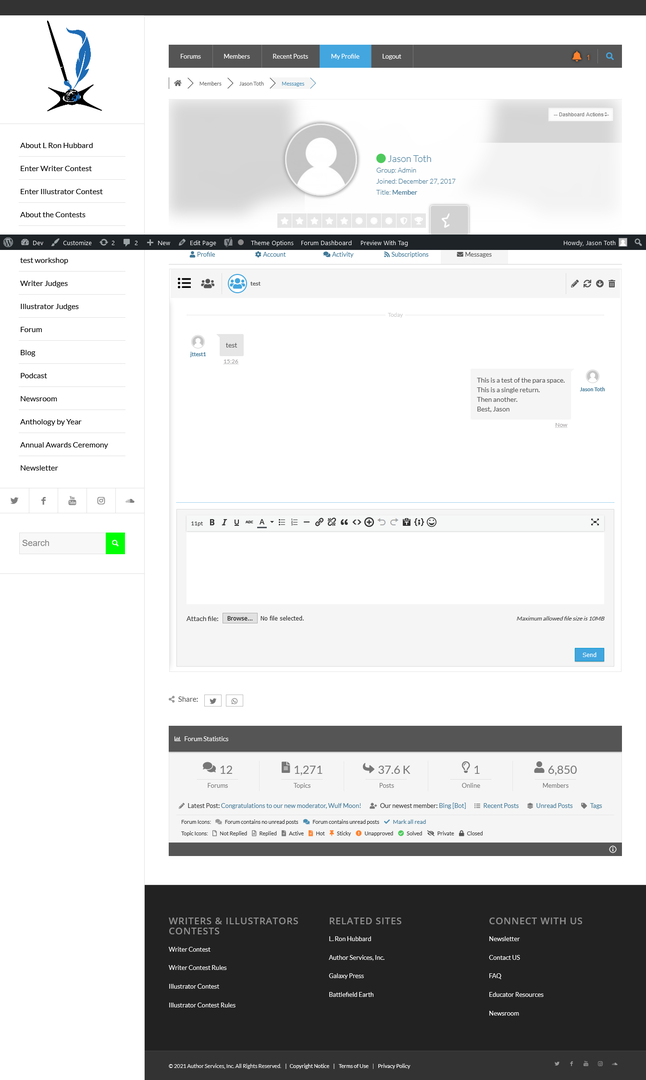
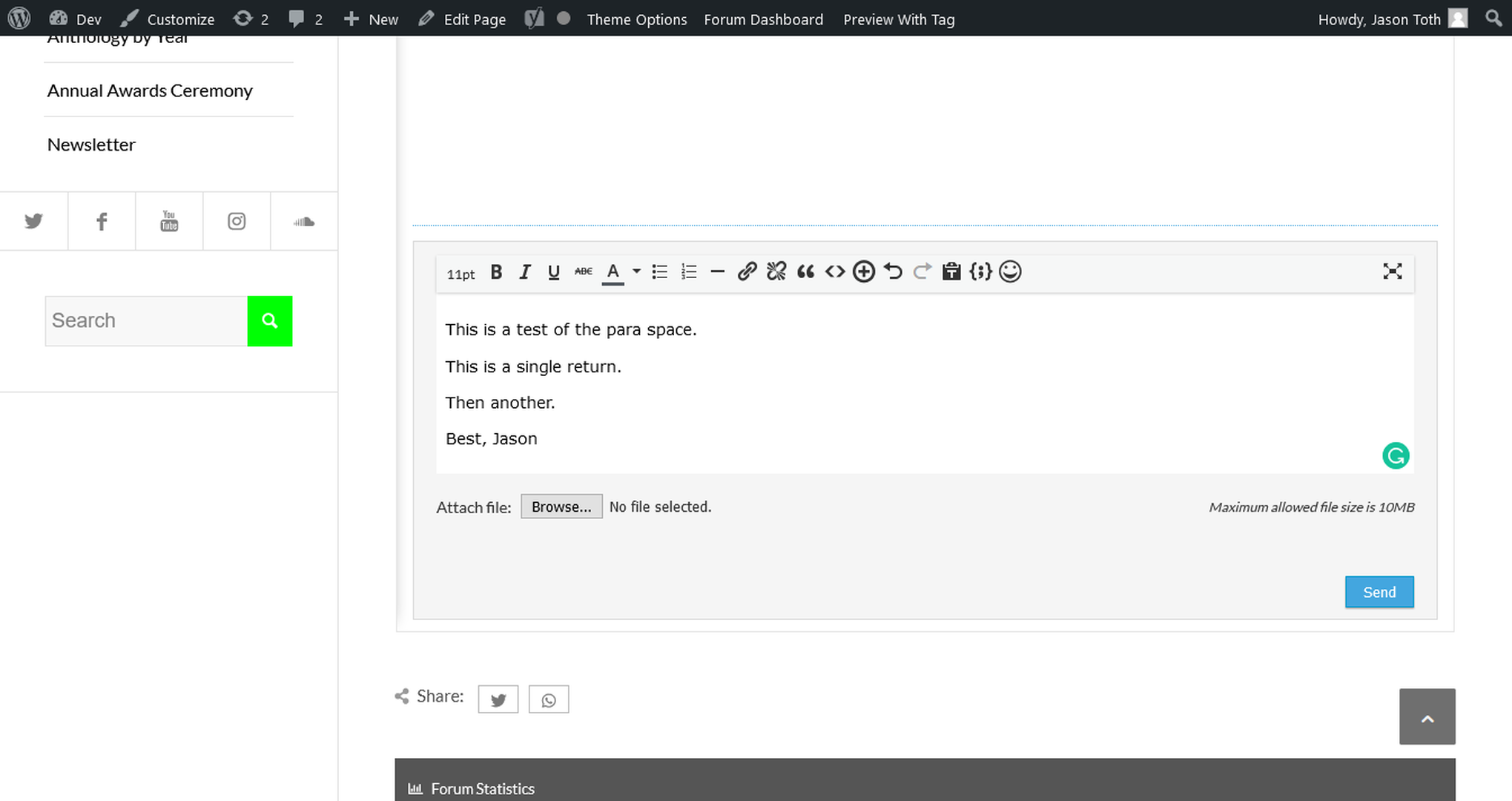
In the PM box when I type there is a space after the paragraph, but when I sent it space is lost.
 
Any ideas on this?
 
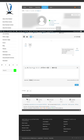
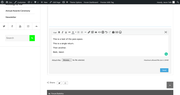
See attached sample of text when typing, then what it looks like when sent.
 
I checked the back end and there is a <p> code after each return.
 
I am using Enfold and WP 5.7.
 
 
Jason

Sample of PM with no para space
Sample of PM showing para space in typing


4 Replies
Posts: 4245
 Tom
Admin
Translate
English
Spanish
French
German
Italian
Portuguese
Russian
Chinese
Japanese
Korean
Arabic
Hindi
Dutch
Polish
Turkish
Vietnamese
Thai
Swedish
Danish
Finnish
Norwegian
Czech
Hungarian
Romanian
Greek
Hebrew
Indonesian
Malay
Ukrainian
Bulgarian
Croatian
Slovak
Slovenian
Serbian
Lithuanian
Latvian
Estonian
(@tomson)
Famed Member
Joined: 11 years ago

@jason-toth,

The editor and the message list are different environments with different CSS style rules for paragraphs. You can use this CSS code to make them closer. Insert this CSS code in Dashboard > Forums > Settings > Styles > Custom CSS Code textarea, save it, delete all caches, go to forum front-end and press Ctrl+F5:

#wpforo #wpforo-wrap .wpfpm-msg-inner p {
     margin-bottom: 7px;
}

Reply
Posts: 15
Customer
Topic starter
Translate
English
Spanish
French
German
Italian
Portuguese
Russian
Chinese
Japanese
Korean
Arabic
Hindi
Dutch
Polish
Turkish
Vietnamese
Thai
Swedish
Danish
Finnish
Norwegian
Czech
Hungarian
Romanian
Greek
Hebrew
Indonesian
Malay
Ukrainian
Bulgarian
Croatian
Slovak
Slovenian
Serbian
Lithuanian
Latvian
Estonian
(@jason-toth)
Member
Joined: 5 years ago

Thank you very much. That worked perfectly. I wanted to add more space so I just changed it to 12px and looks good to me now.

Best, Jason


Reply
Posts: 15
Customer
Topic starter
Translate
English
Spanish
French
German
Italian
Portuguese
Russian
Chinese
Japanese
Korean
Arabic
Hindi
Dutch
Polish
Turkish
Vietnamese
Thai
Swedish
Danish
Finnish
Norwegian
Czech
Hungarian
Romanian
Greek
Hebrew
Indonesian
Malay
Ukrainian
Bulgarian
Croatian
Slovak
Slovenian
Serbian
Lithuanian
Latvian
Estonian
(@jason-toth)
Member
Joined: 5 years ago

One more issue, not sure if this was caused by the above code. But on the posts, they look like they have too much space (leading) now. Space after and before paragraphs are fine, but the actual line leading is too much. See attached sample of a post page:

https://www.writersofthefuture.com/forum/the-contest-quarterly-topics-and-other-items/wotf-forum-upgrade/paged/2/#post-36497

Is this related to the CSS I just added or do I need to use another CSS to adjust the leading?

Thanks.


Reply
1 Reply
Tutrix
Customer
(@tutrix)
Joined: 6 years ago

Member
Posts: 79
Translate
English
Spanish
French
German
Italian
Portuguese
Russian
Chinese
Japanese
Korean
Arabic
Hindi
Dutch
Polish
Turkish
Vietnamese
Thai
Swedish
Danish
Finnish
Norwegian
Czech
Hungarian
Romanian
Greek
Hebrew
Indonesian
Malay
Ukrainian
Bulgarian
Croatian
Slovak
Slovenian
Serbian
Lithuanian
Latvian
Estonian

@jason-toth

the space comes from your WP theme

add this CSS Code (Custom CSS)

#wpforo #wpforo-wrap .wpforo-post-content p {
    line-height: 20px !important;
}

Reply
Share:
Scroll to top