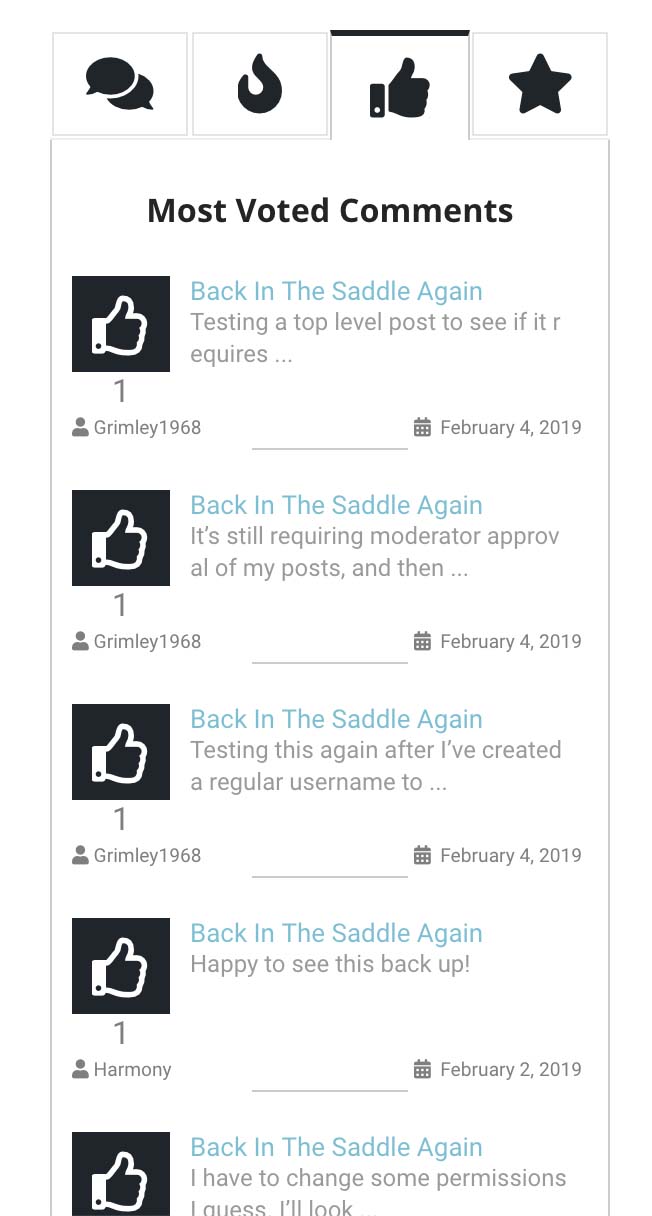
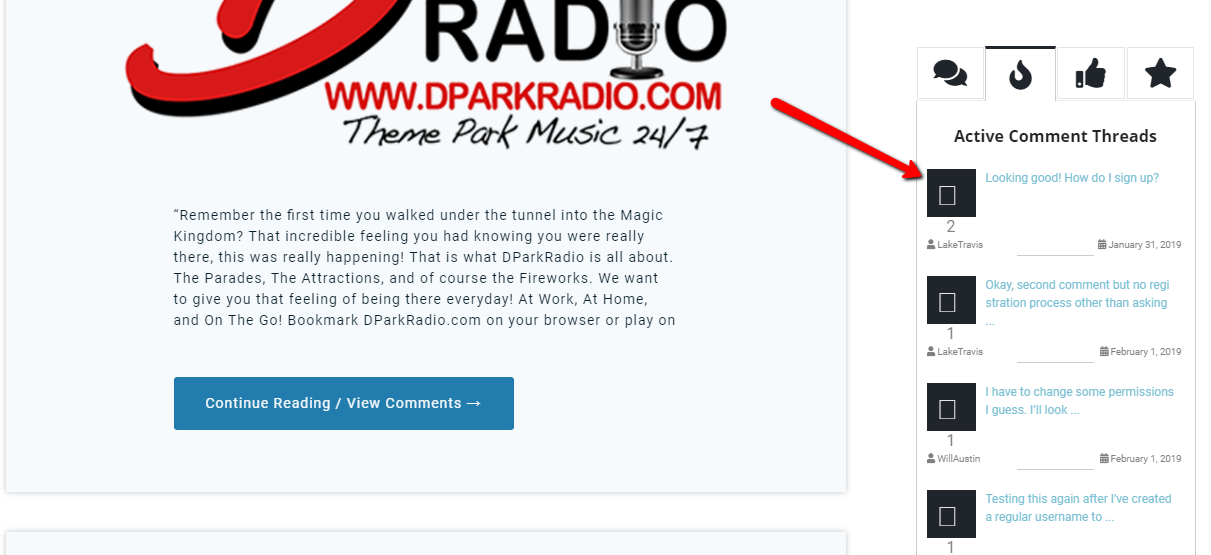
My comment widget uses the same fonts in all but the recent comments tab. All of them are like my attached screen2.jpg, except "recent comments" that shows as attached screen1.jpg with a font that is too large.
It's a CSS conflict with your theme or other plugins. To solve it, please navigate to Dashboard > Comments > Settings > Addons > Widgets sub tab, put the following CSS code in "Widget custom CSS" textarea, save it delete all caches, do CTRL+F5 on frontend.
I see another conflict. The code for solving it also provided below.
#widget-comments-container.widget-comments-container .popular-comment-author-body{
   font-size: 12px !important;
   white-space: nowrap;
   overflow: hidden;
   text-overflow: ellipsis;
   width: 61%;
}
/*To solve the problem with the display of the icon*/
.fa-reply:before {
   content: "\f3e5" !important;
}