Hello,
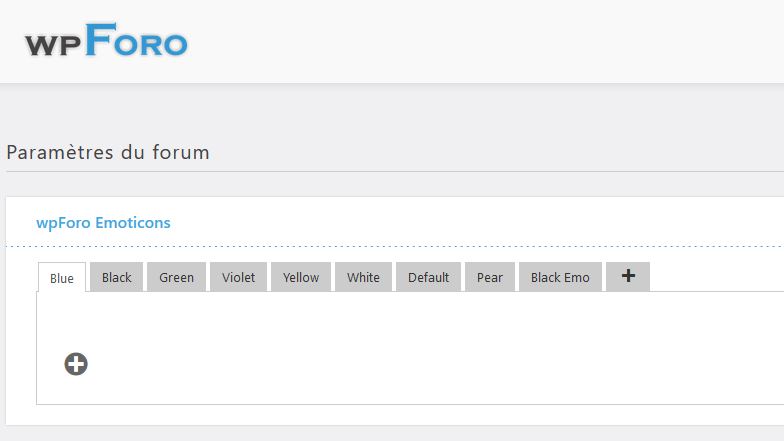
I buy, installed the pluggin, activated it but emoticons do not appear in the settings window.
What is the solution ?

Professional WordPress Plugins and Services. wpDiscuz, WooDiscuz, Advanced Post Pagination

Hello,
I buy, installed the pluggin, activated it but emoticons do not appear in the settings window.
What is the solution ?

You encountered problems during the installation of the 'wpForo Emoticons' plugin, and it seems there was a permission restriction issue while cloning smiley image files into your directories.
You can try deactivating and then reactivating the 'wpForo Emoticons' Addon. After reactivation, please navigate to Dashboard > wpForo > Boards and click the 'Repair' button inside each existing board.
If this solution doesn't resolve the issue, we recommend providing the administration credentials to allow our development team to access your website's administration dashboard and help you troubleshoot the issues you're facing. Please send the administration details to our email address: sales[at]gvectors.com.