
Notifications
Clear all

[Solved] White space on forum due to featured image

7 Posts
2 Users
1 Reactions
188 Views
radiostv
Posts: 127
Customer
Topic starter
(@radiostv)
Member
Joined: 9 years ago
[#14557]

Hi, 

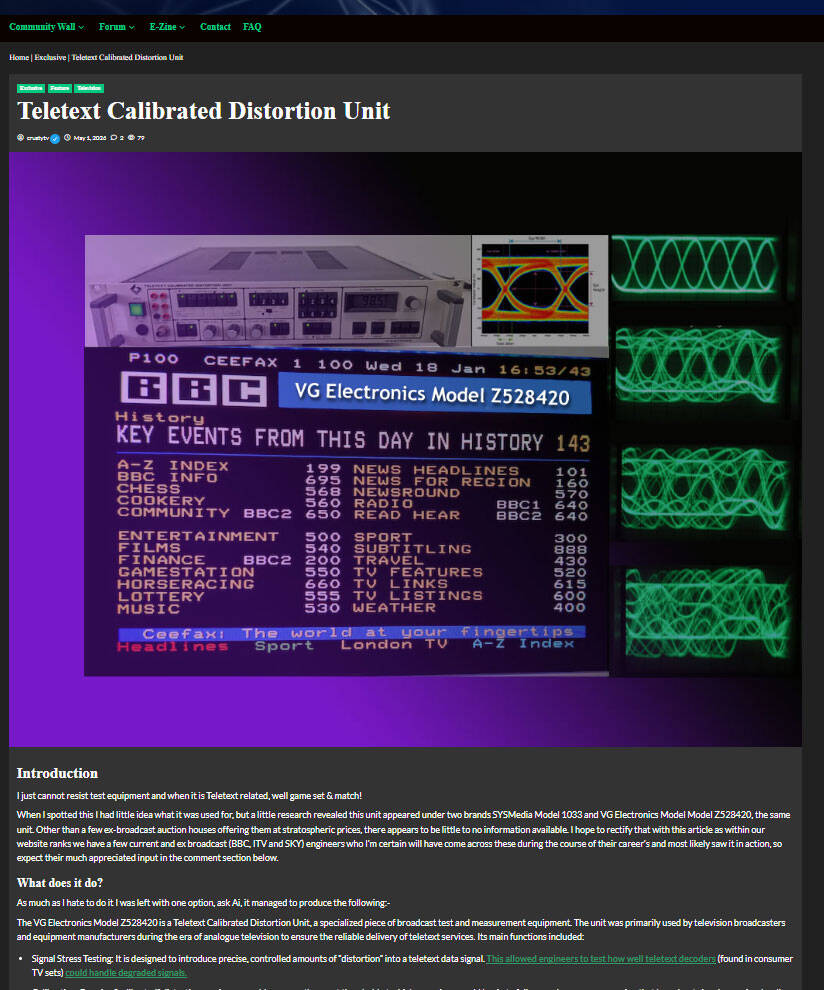
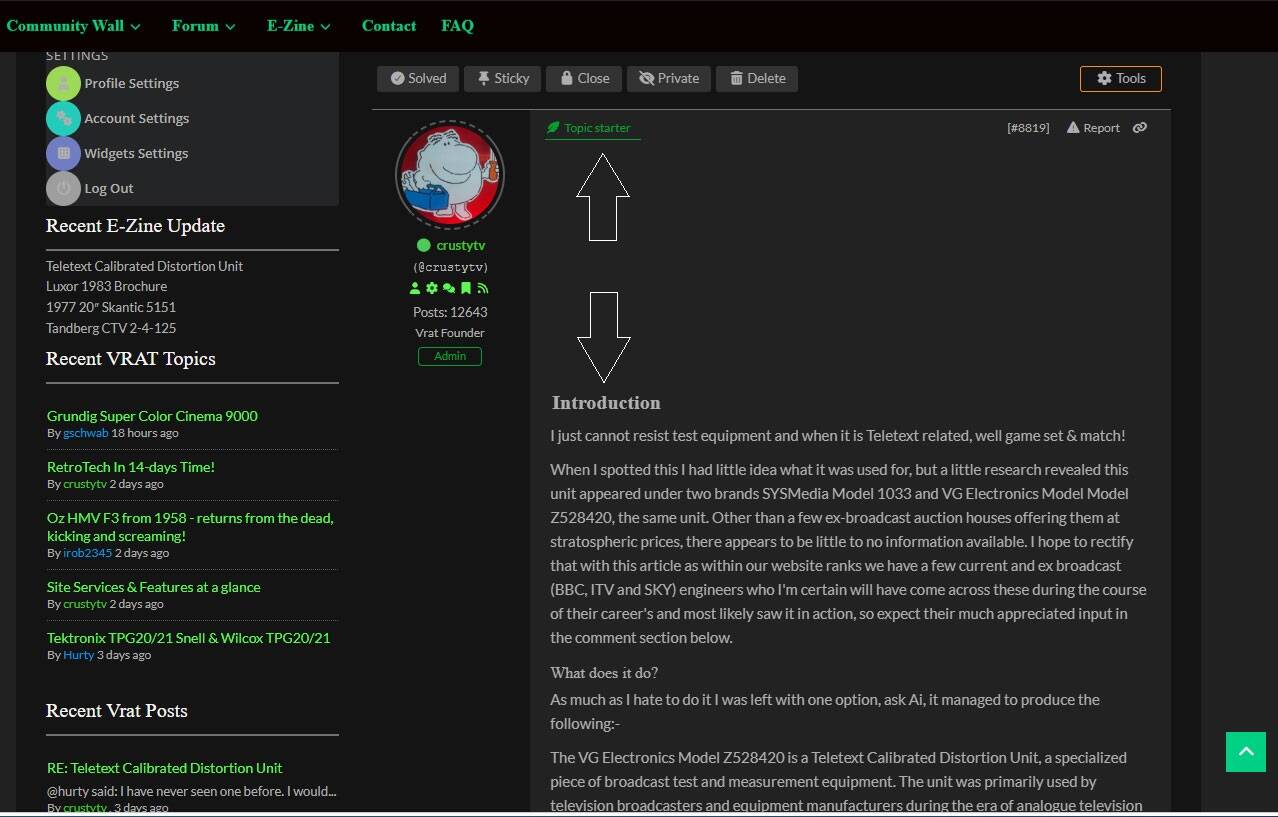
I have a problem on all my Blog-Cross posts. The blog post has a feature image set and as expected this displays OK on the blog. However, the cross-linked post on the forum ends up with a large gap where the set featured image would be. 

Try as I might I cannot figure how to remove the gap on the forum with css. I've searched this site and also cannot find it. Any ideas on how to resolve would be greatly appreciated.

Examples below, first shows the blog post with the featured image, the second shows the resulting forum cross post with the ugly gap at the top.
blog2
blog1

6 Replies
radiostv
Posts: 127
Customer
Topic starter
(@radiostv)
Member
Joined: 9 years ago

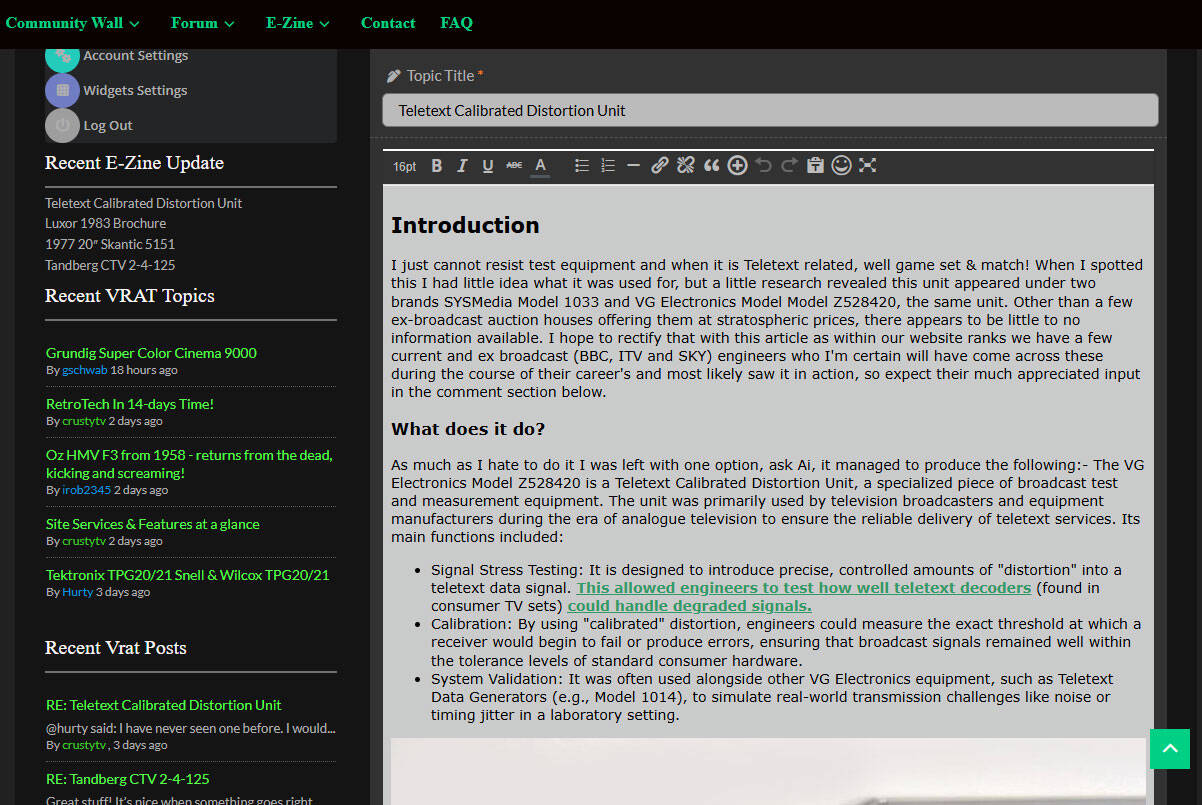
Forgot to add that when you look at the post on the forum via and edit, the large gap is not present. See below.

blog3

Reply
5 Replies
Astghik
Admin
(@astgh)
Joined: 8 years ago

Illustrious Member
Posts: 6665

@radiostv 

Please provide us the direct URL.


Reply
radiostv
Customer
(@radiostv)
Joined: 9 years ago

Member
Posts: 127
Astghik
Admin
(@astgh)
Joined: 8 years ago

Illustrious Member
Posts: 6665

@radiostv 

Please try the following CSS solution: 

#wpforo #wpforo-wrap .wpfl-2 .wpforo-post{
    display:flex;
}
#wpforo #wpforo-wrap .wpfl-2 .wpforo-post .wpf-right{
    margin-left: 30px;
}

Let us know if you see any issues. 


Reply
radiostv
Customer
(@radiostv)
Joined: 9 years ago

Member
Posts: 127

@astgh 

What can I say, again you've sorted it for me, I don't see any other issues as a result of it.

A huge thanks, especially for such a rapid fix, you guys are phenomenal. 


Reply
Astghik
Admin
(@astgh)
Joined: 8 years ago

Illustrious Member
Posts: 6665

@radiostv

Thank you for letting us know. We’re glad to hear that the issue is resolved. This topic will be closed soon.

Please feel free to open a new one if you encounter any issues.


Reply
Share:
Scroll to top