
Notifications
Clear all

Topic starter
03/04/2020 4:52 am
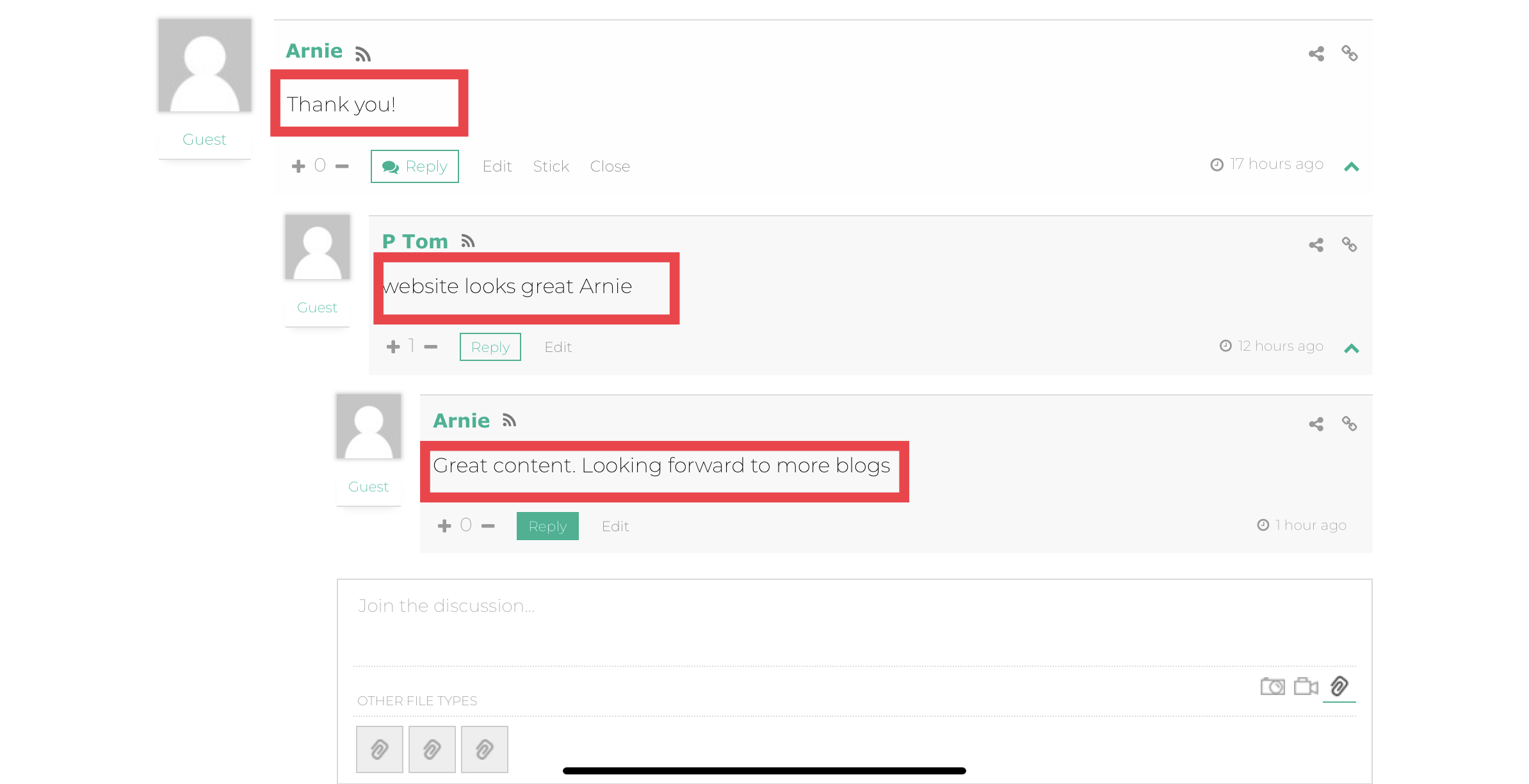
How do I change the font to be verdana highlighted in the red boxes?
Please and thank you

03/04/2020 12:50 pm
Hi @arnie-suryawan,
Please navigate to the Dashboard > Comments > Settings > Styling admin page put the following CSS code in the "Custom CSS code" textarea:
#wpcomm .wc-comment-right .wc-comment-text {
   font-family: Verdana, Geneva, sans-serif;
}
Please don't forget to delete all caches and press CTRL +F5(twice) on the frontend before checking.
Arnie Suryawan reacted
Topic starter
03/04/2020 4:51 pm
Hi, it doesn’t work fully. This is what I have currently in my css styling section:
.comments-area{width:auto;}
#wpcomm .wc-comment-author a {
font-weight: bold !important;
font-size: 15px !important;
font-family: Verdana;
}
#wpcomm .wc-comment-author {
font-weight: bold !important;
font-size: 15px !important;
font-family: Verdana;
}#wpcomm .wc-reply .wc-comment-right .wc-comment-text, #wpcomm .wc-reply .wc-comment-right .wc-comment-text *{
font-size: 14px !important;
font-family: Verdana, Geneva, sans-serif;
}
Topic starter
03/04/2020 4:52 pm
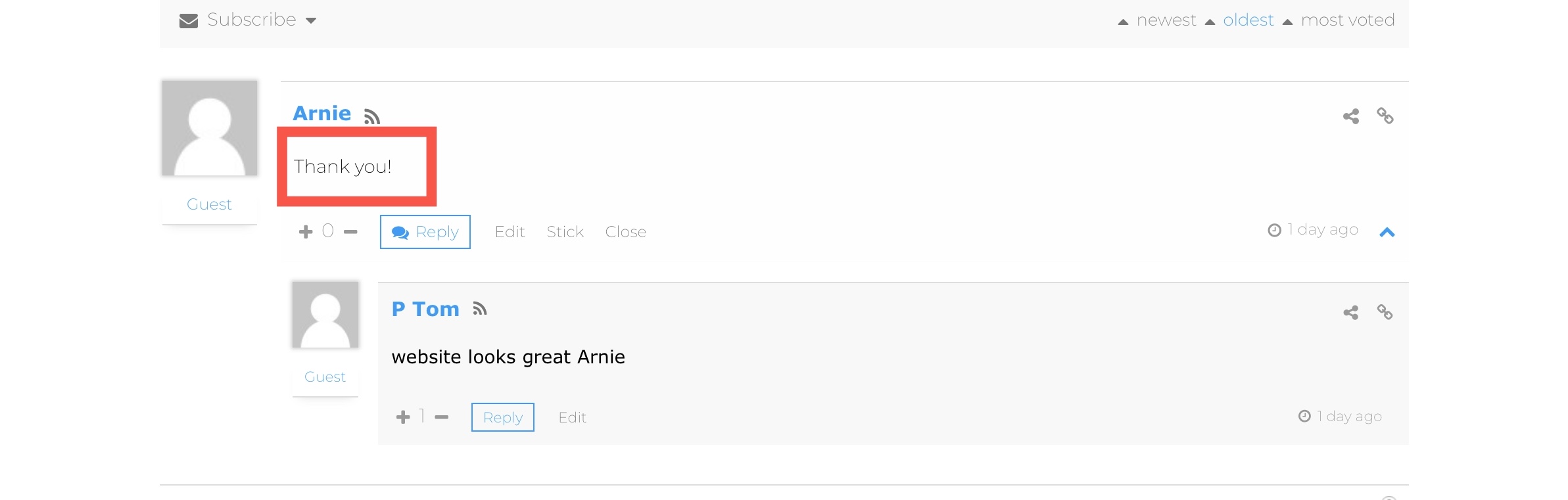
the red box still hasn’t changed to Verdana.
04/04/2020 6:08 pm
Please try the following one:
#wpcomm .wc-comment-right .wc-comment-text p{
   font-family: Verdana, Geneva, sans-serif;
}
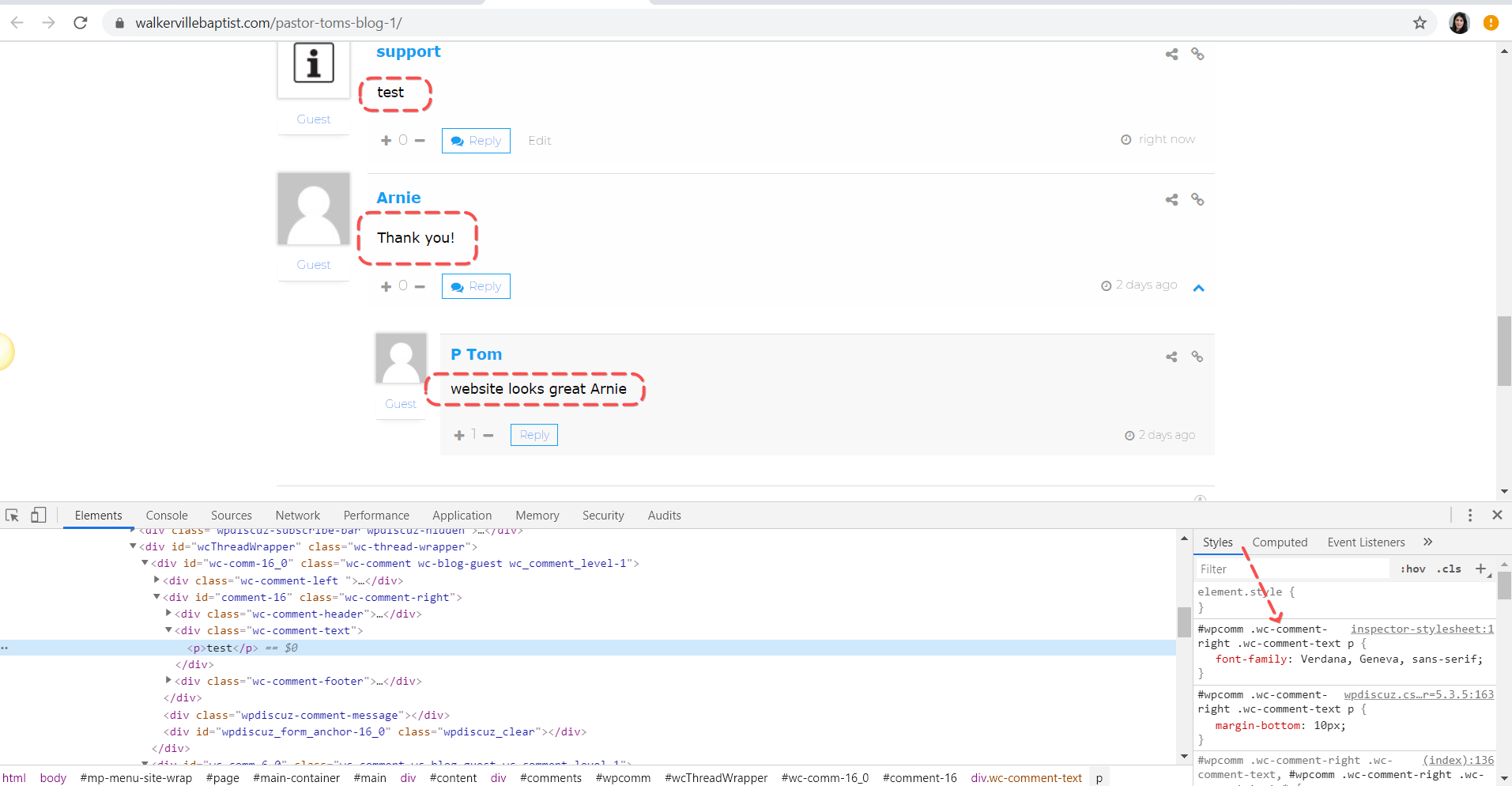
In any case, please don't forget to delete all caches and press CTRL +F5(twice) on the frontend before checking.
Arnie Suryawan reacted
Topic starter
04/04/2020 6:51 pm
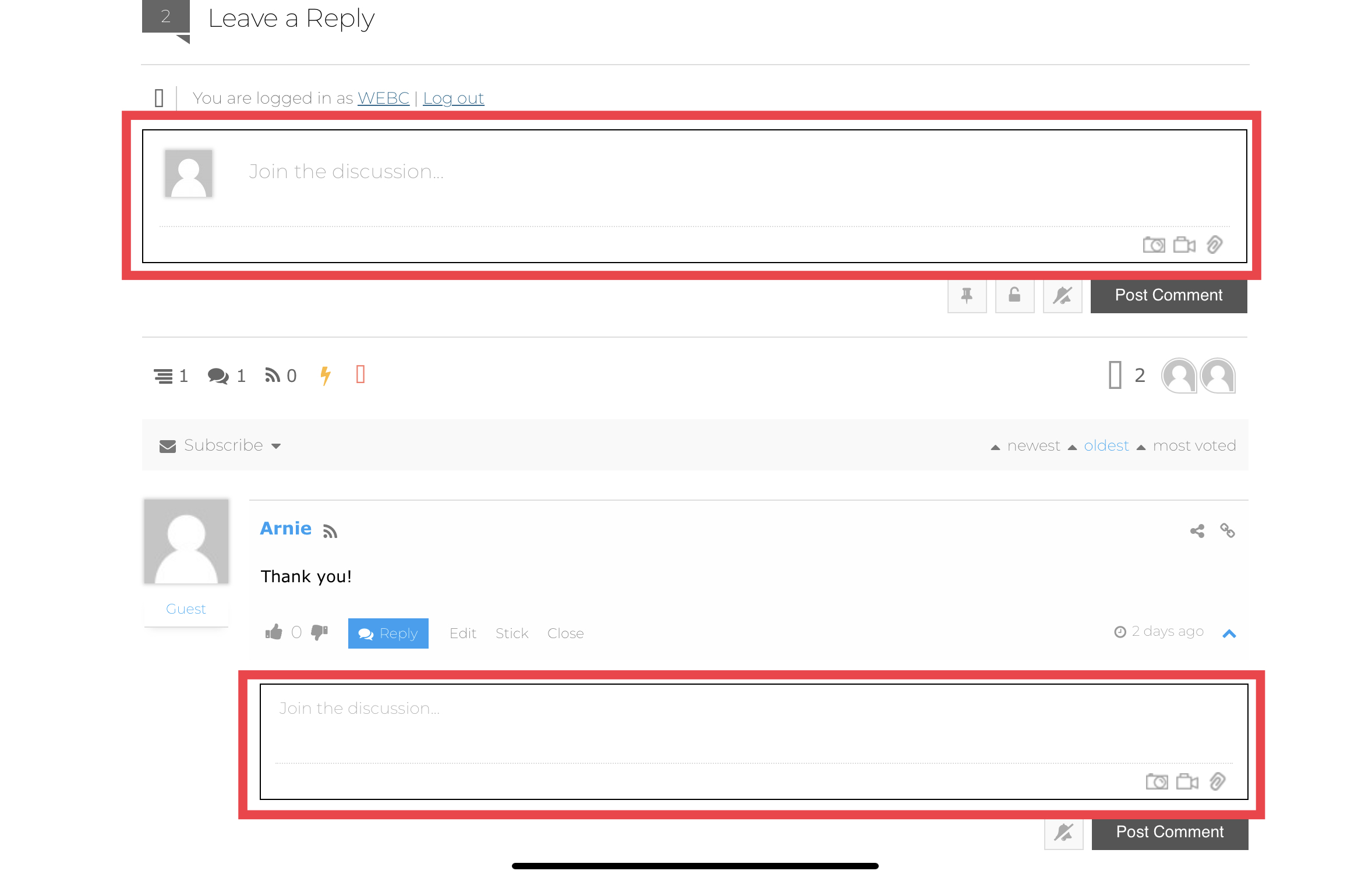
thank you again for your help. I simply have one more request if possible? How do you change the font of the “join the discussion” boxes?
Or if there is a way to change all the wpdiscuz text system to use Verdana as oppose to my default theme font.
Please see the attached image.
Topic starter
04/04/2020 7:04 pm
In addition to my comment I guess what I’m trying to do is change the text of the form fields



06/04/2020 3:37 pm
thank you again for your help. I simply have one more request if possible? How do you change the font of the “join the discussion” boxes?
add the following code as well:
input, input[type=search], textarea {
    font-family: Verdana, Geneva, sans-serif;
}
In addition to my comment I guess what I’m trying to do is change the text of the form fields
It can be found and changed in the Dashboard > Comments > Phrases > Form admin page.
Just change the values of the following two fields as you like:
- Comment Field Start
- Comment Field Join