Notifications
Clear all

Title: Critical Bug – Cross Posting suddenly starts creating thousands of duplicate topics/posts

5 Posts
2 Users
0 Reactions
155 Views
Posts: 4
Customer
Topic starter
(@heinz-krizsan)
Member
Joined: 1 month ago
[#14647]

Hello,

I am experiencing a critical and reproducible problem with wpForo Cross Posting 3.1.6.

The important point is that the plugin was working correctly after a complete fresh installation.

Timeline

Yesterday I completely removed wpForo and the Cross Posting plugin, cleaned the related database data and installed everything again from scratch.

I then configured wpForo and Cross Posting again.

After the fresh installation and configuration, Cross Posting worked correctly.

Today I created WordPress articles and manually selected a wpForo forum for Cross Posting.

It worked correctly.

One WordPress article created one corresponding wpForo topic as expected.

However, later today, without changing the Cross Posting configuration, the exact same action suddenly started creating thousands of topics/posts.

I did not enable any additional Cross Posting rules or change the forum configuration immediately before the problem appeared.

Expected behavior

When I create a WordPress article and manually select a wpForo forum for Cross Posting:

1 WordPress article → 1 wpForo topic

Actual behavior

The plugin enters what appears to be a recursive/looping process:

WordPress article → wpForo topic/post → Cross Posting triggered again → another topic/post → Cross Posting triggered again → …

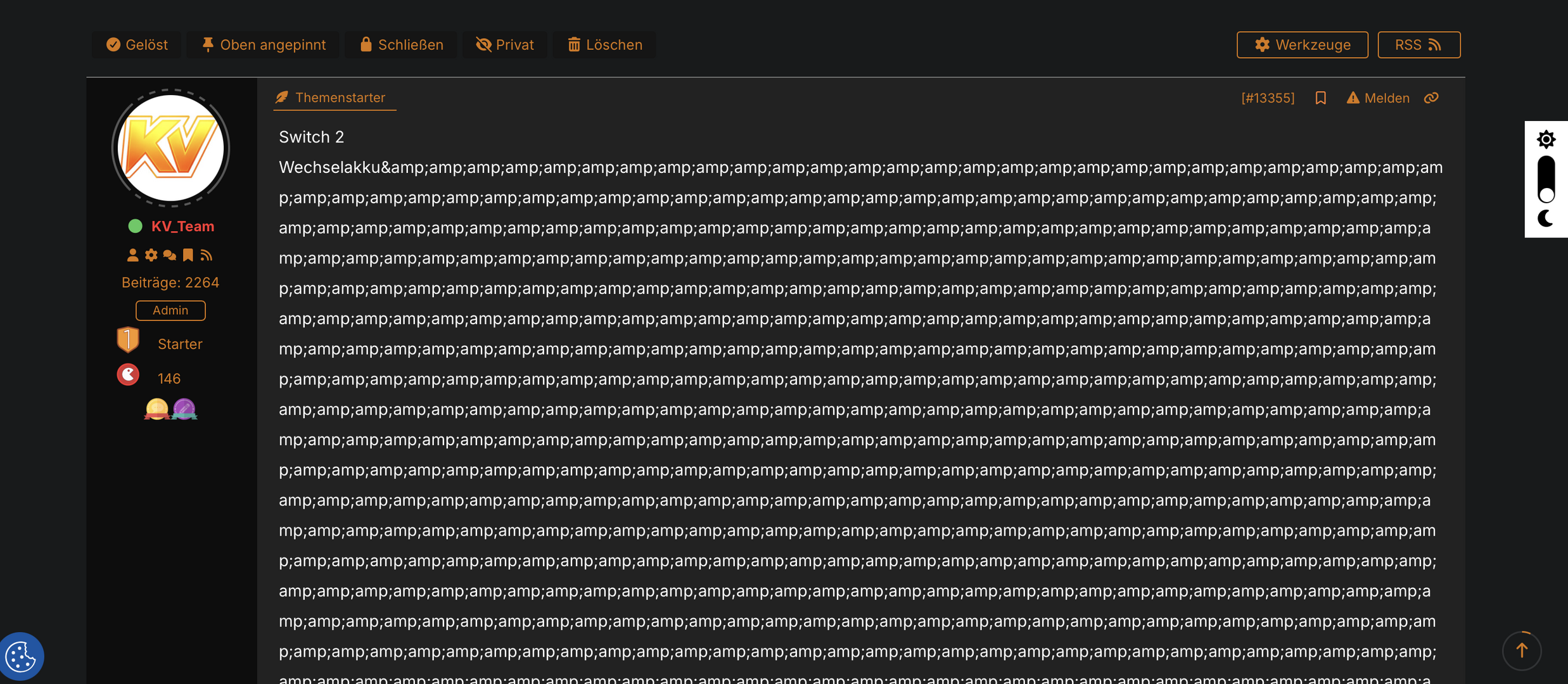
This can result in thousands of topics and posts being created from a single Cross Posting action.

This is extremely serious because one accidental Cross Posting action can generate tens of thousands of database records.

Important detail

The problem is not simply that Cross Posting stopped working after changing the wpForo page ID.

The complete timeline is:

  • wpForo page ID was changed previously.
  • Yesterday wpForo and Cross Posting were completely removed and freshly installed.
  • The database was cleaned.
  • Cross Posting was configured again.
  • Cross Posting worked correctly after the fresh installation.
  • Today it continued to work correctly initially.
  • Later, without changing the configuration, it suddenly started creating thousands of duplicate topics/posts again.

Therefore, I suspect that something during the Cross Posting process is causing the plugin to lose or fail to recognize the relationship between the original WordPress post and the wpForo topic.

I would especially appreciate it if you could investigate whether Cross Posting 3.1.6 can enter a recursive loop when processing the cross-post relationship or when detecting an already-created topic.

Environment

  • WordPress
  • wpForo
  • wpForo Cross Posting 3.1.6
  • Elementor
  • Manual Cross Posting from WordPress articles
  • Fresh installation of wpForo and Cross Posting
  • Problem occurs even after a clean installation

The fact that the exact same setup works correctly for several articles and then suddenly starts generating thousands of topics from one action is the most important part of this bug report.

I can provide database information, screenshots, plugin settings and details about the generated duplicate topics if required.

Thank you.
Crossposting
cp3
Crossposting1

4 Replies
Posts: 4
Customer
Topic starter
(@heinz-krizsan)
Member
Joined: 1 month ago

Hello,

I have now been able to reproduce the problem again and I have found some very specific information that may help identify the cause.

I am using wpForo Cross Posting 3.1.6. After completely reinstalling wpForo and the Cross Posting plugin, Cross Posting initially worked correctly. I was able to create WordPress articles and manually cross-post them to wpForo, with exactly one corresponding topic being created.

Later, without changing the Cross Posting configuration, the problem suddenly appeared again.

I created a new test article (WordPress post ID 33758) and selected wpForo forum ID 22 (Konsolen News) for Cross Posting. After saving the article, Cross Posting started creating hundreds/thousands of duplicate wpForo topics instead of creating only one topic.

I checked the database afterwards. A previously working article (post ID 9790) contains the correct Cross Posting information, including the wpForo forum ID, the corresponding wpForo topic ID and the disabled status. For the new problematic article 33758, however, only the selected forum ID and the topic title prefix are stored. The corresponding wpForo topic ID is never written to the WordPress post metadata.

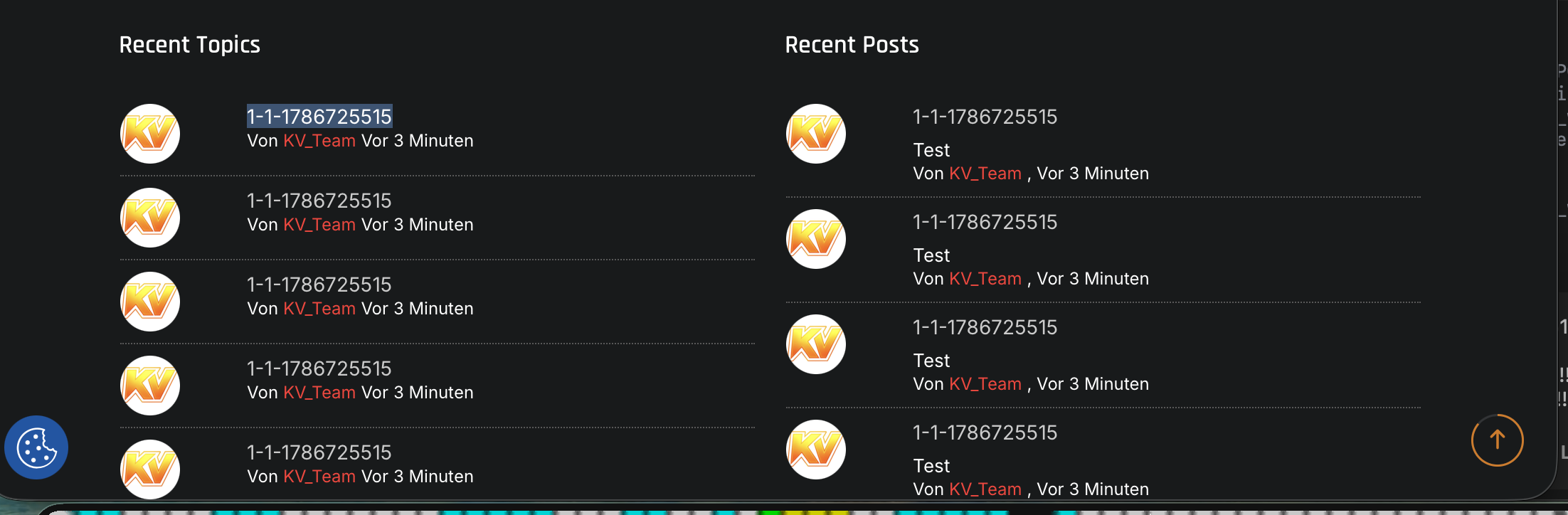
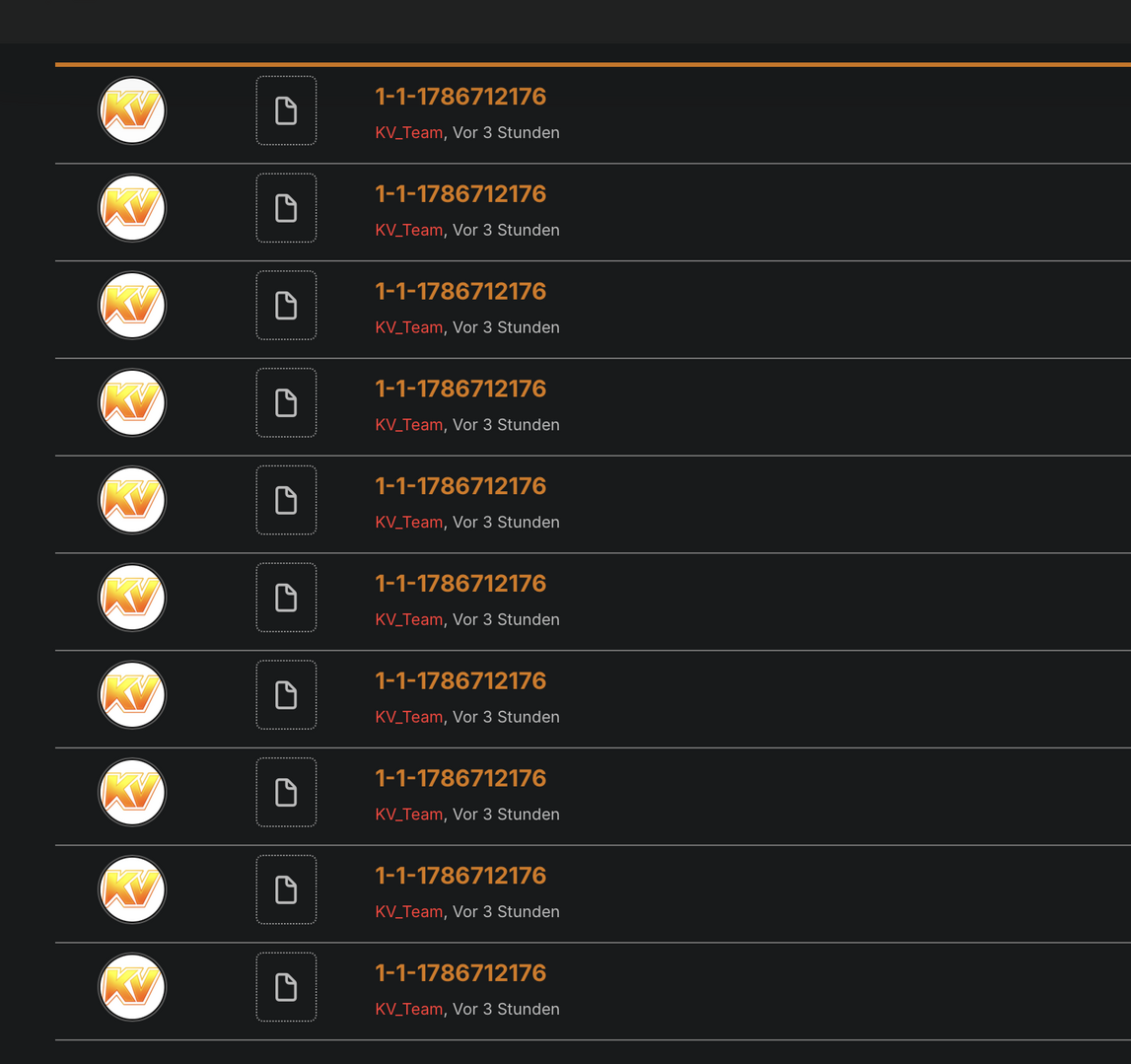
At the same time, wpForo keeps creating new topics in forum ID 22. I can see consecutive topic IDs such as 2232, 2233, 2234, 2235 and so on, all with essentially the same title. The process continues and can create thousands of topics/posts from a single WordPress article.

This makes it appear that Cross Posting successfully creates a wpForo topic, but then fails to save or recognize the newly created topic ID. Because the WordPress article still appears to have no associated wpForo topic, the plugin creates another topic, then another one, resulting in an endless loop.

The forum ID itself is correct. Forum ID 22 is currently my “Konsolen News” forum and forum ID 23 is “Allgemeine Game News”. Previously working Cross Posting entries also use these same forum IDs.

The particularly strange part is that this happened after a completely fresh installation. Immediately after reinstalling and configuring wpForo and Cross Posting, the functionality worked correctly. Only later did the endless topic creation suddenly start again, without me changing the Cross Posting configuration.

Could you please investigate why Cross Posting 3.1.6 creates the wpForo topic but does not save the resulting topic ID back to the WordPress post? This missing topic ID appears to be directly related to the endless creation of duplicate topics.

I can provide screenshots and database information showing the working and problematic posts if required.

Thank you.


Reply
Posts: 4
Customer
Topic starter
(@heinz-krizsan)
Member
Joined: 1 month ago

I found out that this is caused by a combination of the WPforo Crossposting add-on and the WPforo to Peepso add-on from WBCom. I've opened a ticket with WBCom.

If you install the “WPforo to Peepso” add-on and then create a new cross-post, it doesn't work properly. maybe you can check togheter this issue for a good solution. 


Reply
Posts: 4
Customer
Topic starter
(@heinz-krizsan)
Member
Joined: 1 month ago

It’s resolved you can close it this case! I reported everything to WBCOM, and they fixed the issue in the addon.

I would still have appreciated getting a response from the support team here. I’m planning to use wpForo as my main forum platform. I’ve already purchased two plugins and was planning to purchase more in the future.

However, at the moment I’m quite concerned about what would happen if I ran into another problem and needed support, especially after not receiving any response from the support team in my current case.

I hope you can understand my concerns.


Reply
1 Reply
Astghik
Admin
(@astgh)
Joined: 9 years ago

Illustrious Member
Posts: 6706

Hi @heinz-krizsan 

We’re sorry for the delayed response.

Our team was looking into the issue to determine whether it could be related to wpForo or the Cross Posting addon and whether there was anything we could do from our side to resolve it.

Thank you for investigating the issue further and for letting us know that it was caused by the combination of the wpForo Cross Posting addon and the WPForo to PeepSo addon, and that WBCom has now fixed it.

We completely understand your concern regarding the lack of a response, and we apologize for the inconvenience.

Please feel free to open a support topic whenever you encounter an issue related to our plugins. If the issue is confirmed to be related to wpForo or one of our addons, our team will investigate it and do our best to resolve it as soon as possible.

We appreciate your patience and your decision to use wpForo as your main forum platform, and we hope you'll have a smooth experience going forward.


Reply
Share:
Scroll to top