Hey there, after installing frontend moderation plugin I am not able to add comments. The button "Add comment" does not work. Do you have any suggestions, how to solve it? 🙂 Thnx Jan

Professional WordPress Plugins and Services. wpDiscuz, WooDiscuz, Advanced Post Pagination

Hey there, after installing frontend moderation plugin I am not able to add comments. The button "Add comment" does not work. Do you have any suggestions, how to solve it? 🙂 Thnx Jan



@astghik Hi, thnx for your reaction. 🙂
I do have 2 issues:
1) After installing the wpDiscuz plugin the pop-up windows across my website become "frozen" - they behave like screenshot 🙁 Please try to click on some of the yellow buttons to check it out. https://ucimsenemecky.cz/dekuji-za-vstup-do-kurzu-audio_kopie/
2) The lugin WpDiscuzz seems to work form "visitor view" but me as admin, I just can not add any comments. The button does not work for me https://ucimsenemecky.cz/wpdiscuz-test/
Thank you very much for your care. 🙂
Regards Jan A.
1) After installing the wpDiscuz plugin the pop-up windows across my website become "frozen" - they behave like screenshot
Please try to click on some of the yellow buttons to check it out. https://ucimsenemecky.cz/dekuji-za-vstup-do-kurzu-audio_kopie/
Please watch this video: https://www.screencast.com/t/6TnPqsA4O
2) The lugin WpDiscuzz seems to work form "visitor view" but me as admin, I just can not add any comments. The button does not work for me https://ucimsenemecky.cz/wpdiscuz-test/
It works fine in our case. Please see the testing comment here: https://ucimsenemecky.cz/wpdiscuz-test/#comment-16
This may be caused by other plugins. It may generate JS error. You can press F12 and check JS errors on the "Console" Tab of Chrome Console or in Firebug.
Another easy way is just disabling plugins one by one and checking the result.

@astghik
1) Thank you very much for the support, you are right, the pop-up window appears, but the form below (see attachment) is not responsive (behaves like a screenshot).
And you are not able to place the order.
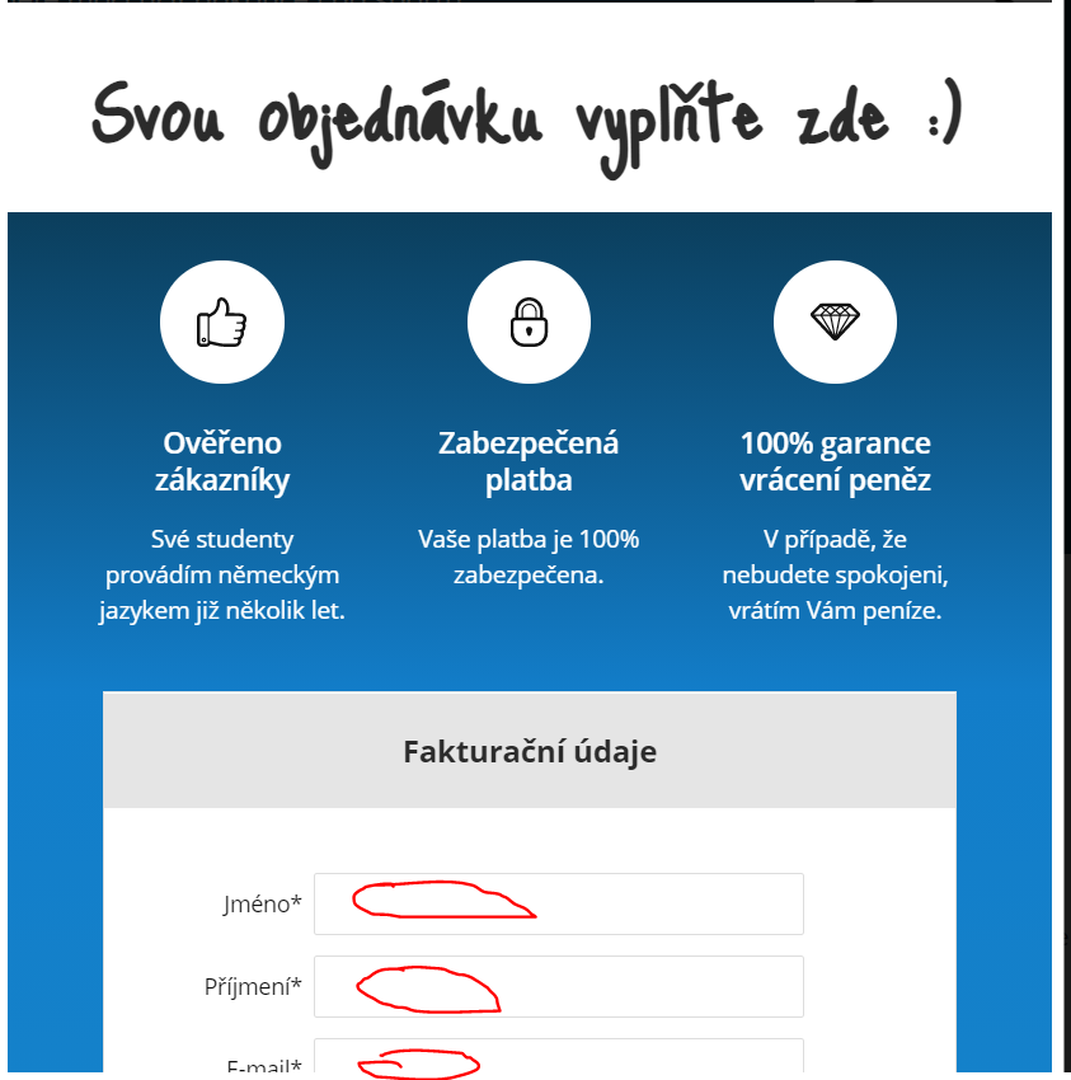
If I disable wp-discuz, my pop-ups start working again.
2) Hmm, other plug-ins, ok, I will check it out.
If I disable wp-discuz, my pop-ups start working again.
Please deactivate the wpDiscuz plugin and let us know.
@astghik
Thank you, wpDiscuz plugin is now deactivated.
Now we are not able to see the issue. Could you please send the admin login details to info[at]gvectors.com email address?
@astghik
Done, please check your inbox. 🙂 Thank you
Hi @skalhoty,
The issue is solved. It was just a small CSS issue. We've simply added the CSS code below in the "Custom CSS Code" textarea:
#cboxWrapper #cboxContent #cboxTitle {
     position: static !important;
}
Please press CTRL + F5 on the fronted before checking.
Hello @astghik,
you are just amazing! Pop-ups are working again, thank you sooo much! 🙂
Unfortunatelly I am still not able to add any commenst as an Admin in wpDiscuz,
would it be possible for you to chect this issue please?
I deactiveted all my plug-ins one by one, and non of them affects this function.
Please login here (please use the same login data as in the case above)
https://ucimsenemecky.cz/klub-clenove/klubova-diskuse/
Thank you very much!
Regards Jan
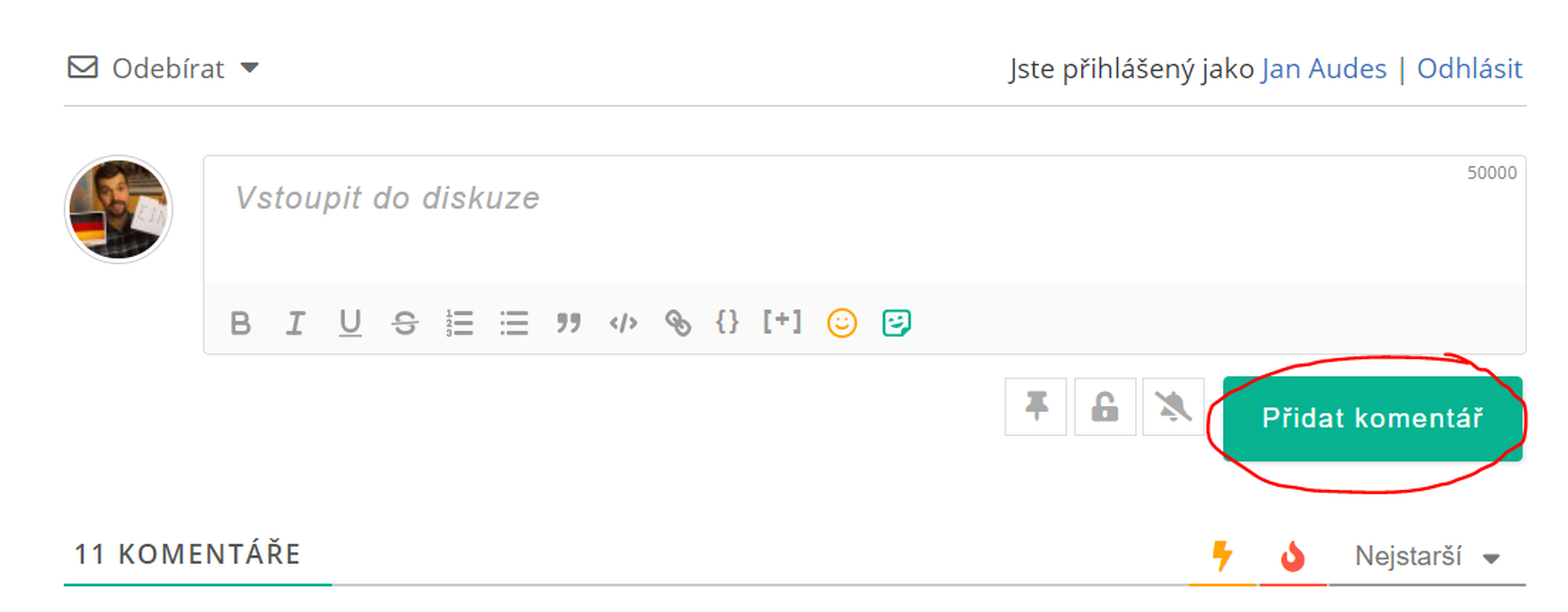
It works fine. Please watch this video: https://www.screencast.com/t/qrZUuFrw
Please note all questions related to the free wpDiscuz plugin should be asked in the wpDiscuz.com forum. Here we only support issues related to paid addons.
@astghik
Thank you very much for your quick response!
Ok, understood. 🙂
Thnx once again! Have a great day!