Limited Support
Our support team is currently on holiday from December 25, 2025 to January 7, 2026, and replies may be delayed during this period.
We appreciate your patience and understanding while our team is away. Thank you for being part of the gVectors community!
Merry Christmas and Happy Holidays! 🎄
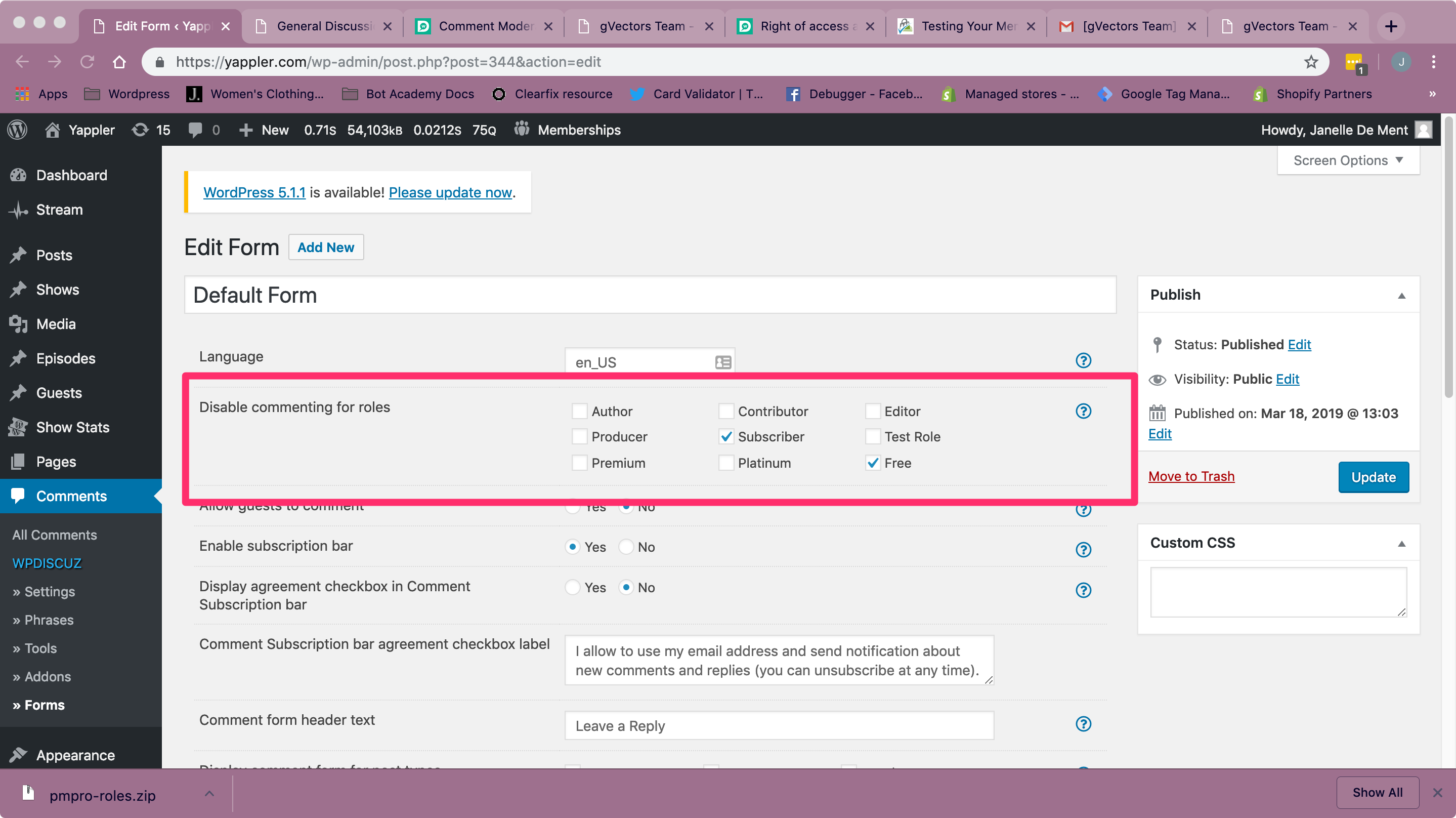
I have a membership program on my site for paying members. I only want paying members to be able to comment. So far, the way I accomplish this is I create a custom user role and assign that role to my new members. I then limit comment to only paying member roles. This gives them the ability the comment.
However, when a membership expires, how do I allow ex-members to delete comments that they made when they were paying members? It seems that if a user is able to comment, they also have the freedom to delete. However, if a user is logged in, but no longer a paying member, they cannot comment any longer but ALSO lose the right of erasure. Is there any way to give ex-member users that right?
Hi @janelledement,
At first, you should display the "My Content and Settings" option. In order to display it you should navigate to Dashboard > Comments > Settings > Comment Form tab, make sure the "Hide My Content and Settings button" is disabled.
This will allow users to delete their own comments whenever they like. More info here:
https://wpdiscuz.com/docs/wpdiscuz-documentation/gdpr/right-to-erasure/
Hi @Astghik , thank you for your response! I have this button displaying for my members, yes. The problem is, for users who are not allowed to comment but could comment before when their subscription was still running; so ex-members who are logged in, but unable to comment. How do I show this button to them? Even though they are not members anymore, I want to give them to right to erase old comments. It seems that even if this button is enabled, it only displays when the user is also ~able~ to comment.
Thanks in advance for any additional help on this you could add.