Notifications
Clear all

Limited Support

Our support team is currently on holiday from December 25, 2025 to January 7, 2026, and replies may be delayed during this period.

We appreciate your patience and understanding while our team is away. Thank you for being part of the gVectors community!

Merry Christmas and Happy Holidays! 🎄

[Solved] mycred badge size

5 Posts
3 Users
0 Reactions
1,510 Views
Posts: 16
Customer
Topic starter
(@good99)
Member
Joined: 6 years ago

In the wpforo forum, the size of the badge is moderate. As attached
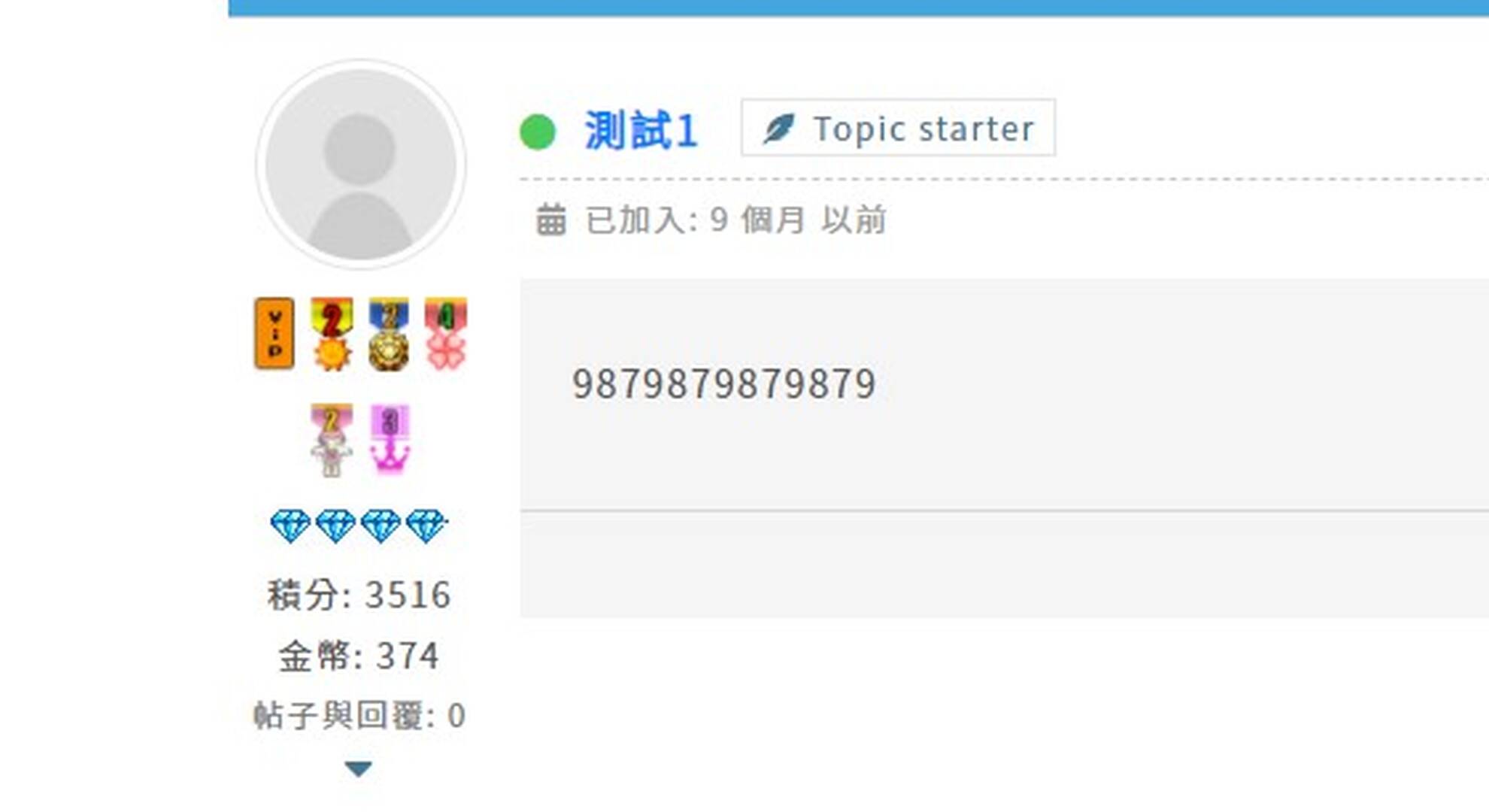
Screenshot 1

But in wpdiscuz, the badge size is too large, so is there any way to adjust the badge size?
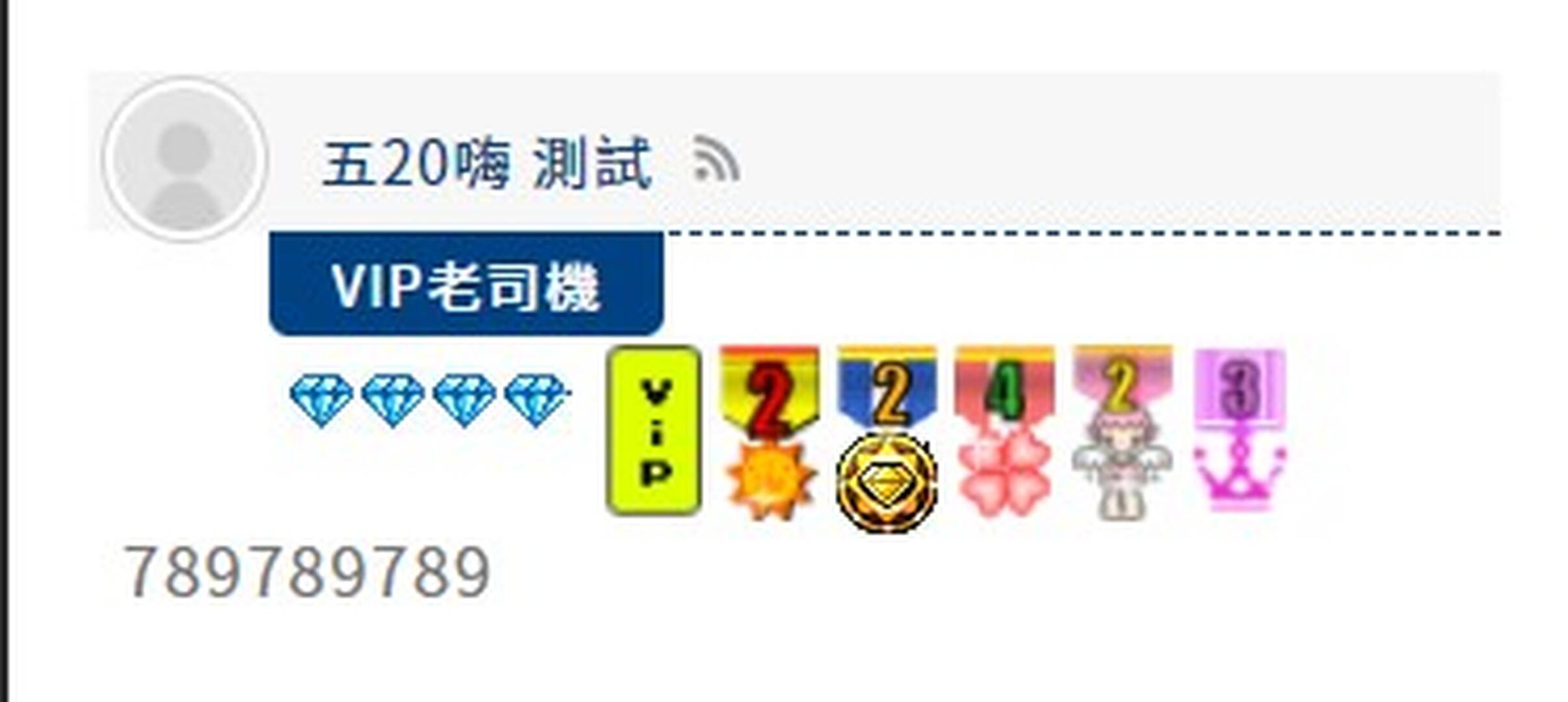
Screenshot 2

4 Replies
Posts: 4234
 Tom
Admin
(@tomson)
Famed Member
Joined: 11 years ago

Hi @good99,

Could you please leave a direct link to this comment?


3 Replies
Customer
(@good99)
Joined: 6 years ago

Member
Posts: 16
Astghik
Admin
(@astgh)
Joined: 8 years ago

Illustrious Member
Posts: 6581

@good99,

You can use the following CSS code:

#wpdcom.wpd-layout-3 .wpd-comment-right .the-badge img {
    width: 16px;
}

Put the code in the Top Admin Bar > Customize > Additional CSS > "Additional CSS" textarea, save it, delete all caches and check again. 

Please don't forget to press Ctrl+F5 (twice) on the frontend before checking.     

The red marked value can be changed as you like.  


Customer
(@good99)
Joined: 6 years ago

Member
Posts: 16

@astghik Thank you very much


Share:
Scroll to top

