
Notifications
Clear all

Topic starter
22/01/2019 1:58 am
every time I active the plugin wpdiscuz it sets the headers cache-control:no-store, no-cache, must-revalidate
and this blocks the caching systems like cloudflare I want to know if there is a way to disable this featutre and get the public cache setting
thanks
Topic starter
26/01/2019 12:34 am
please check:
or
https://crazyimagine.com/2018/09/07/at-aliquam-et-nulla-ad/
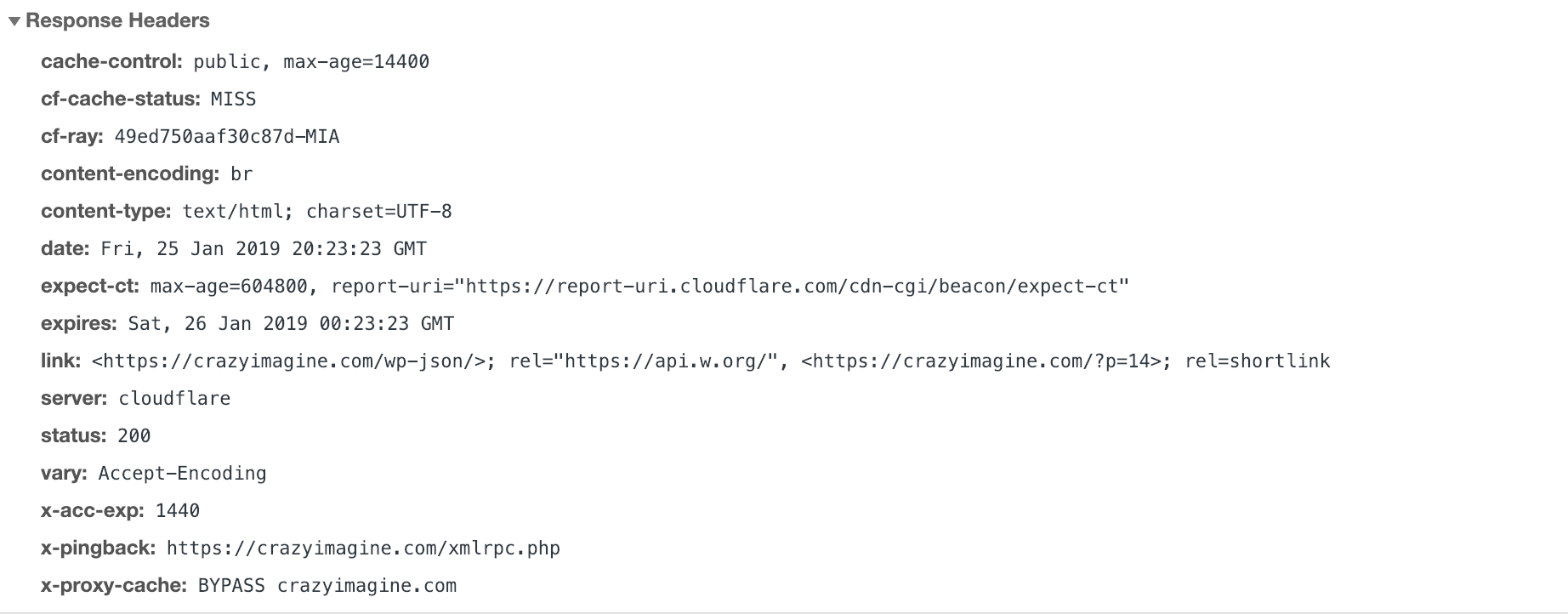
I could make the cached public and the max-age > 0 and is still missing the cache when I disable the plugin started working again here is a screenshot



26/01/2019 2:53 pm
Hi blas Hernandez,
We're preparing a new wpDiscuz version, that'll include a new option that'll allow you to disable/enable wpDiscuz caching.
As a trmprary solution please try the steps mentioned in this support topic: https://gvectors.com/forum/how-to-and-troubleshooting/cache-issue/#post-13105