
Notifications
Clear all

Topic starter
24/10/2018 10:15 am
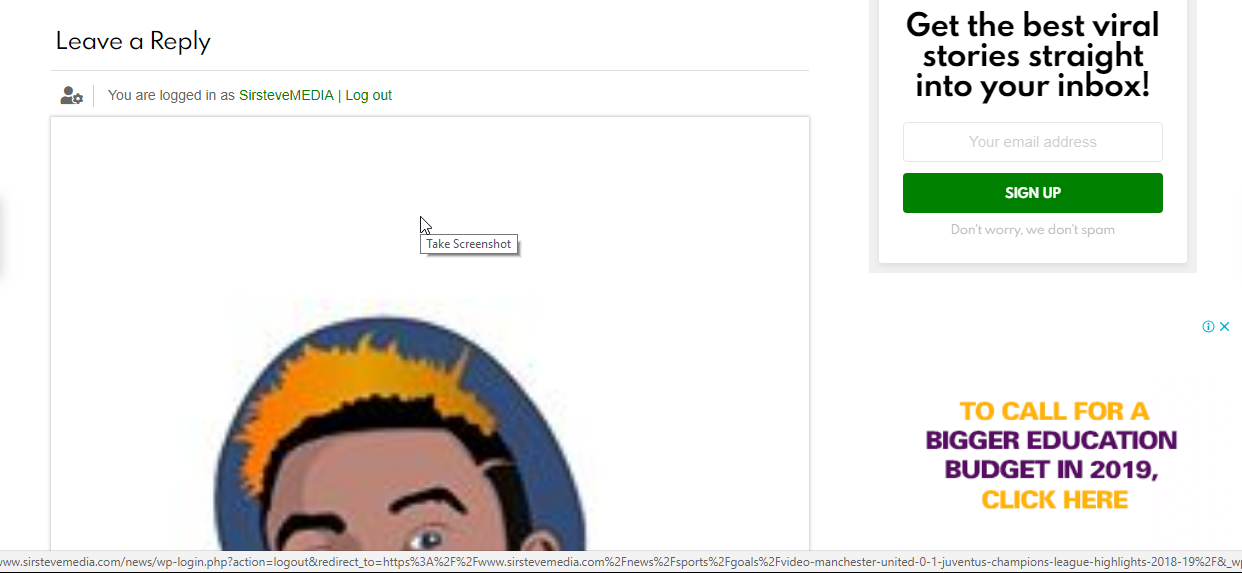
I dont really understand what is going on. its showing big avatar on the comment form which is different from what i saw in the demo and other exampls. pls check the attached files

Topic starter
24/10/2018 10:28 am
here is a link sample:
pls scroll to the bottom



24/10/2018 12:45 pm
Hi @steve4lyf,
Please reset all minified, optimized cache files. Delete all caches, purge CDN and press Ctrl+F5 on front-end.
Topic starter
24/10/2018 12:50 pm
I have done that. I use only wp super cache. i have cleared cache and done other stuffs, but still the same. @Astghik
24/10/2018 1:05 pm
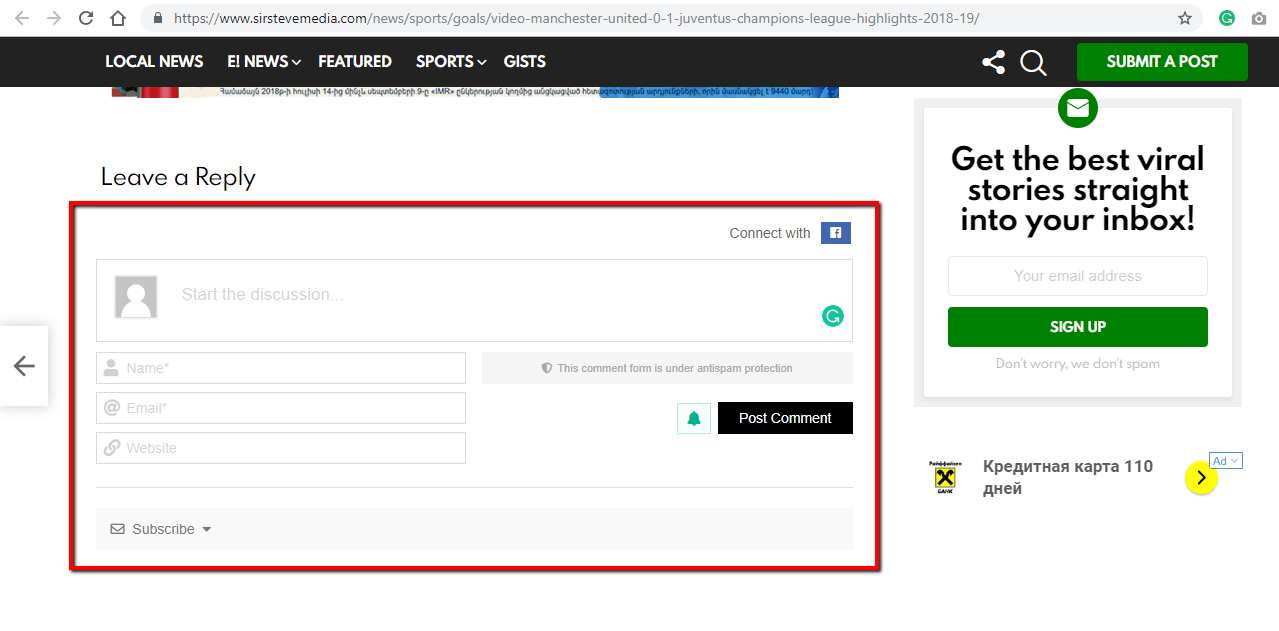
As far as I see the issue is already solved. Could you please check it using another browser?
Topic starter
24/10/2018 1:07 pm
It appears only for logged in users, not guest.
i have tried it on several browsers.
24/10/2018 1:15 pm
ok @steve4lyf,
Please try to use the CSS code mentioned in this post.
https://gvectors.com/forum/how-to-and-troubleshooting/gravatar-is-so-bigggggg/#post-10562
Don't forget to delete all caches, before checking
If it doesn't help register the new user and send login details to info[at]gvectors.com email address. We'll check and provide CSS solution for you.
Topic starter
24/10/2018 1:25 pm
Thanks very much, its fixed .