
AI Assistant
Notifications
Clear all

Files not displaying / uploading

4 Posts
2 Users
0 Reactions
989 Views
Posts: 3
Customer
Topic starter
Translate
English
Spanish
French
German
Italian
Portuguese
Russian
Chinese
Japanese
Korean
Arabic
Hindi
Dutch
Polish
Turkish
Vietnamese
Thai
Swedish
Danish
Finnish
Norwegian
Czech
Hungarian
Romanian
Greek
Hebrew
Indonesian
Malay
Ukrainian
Bulgarian
Croatian
Slovak
Slovenian
Serbian
Lithuanian
Latvian
Estonian
(@martin-lotz)
Member
Joined: 4 years ago
[#13951]

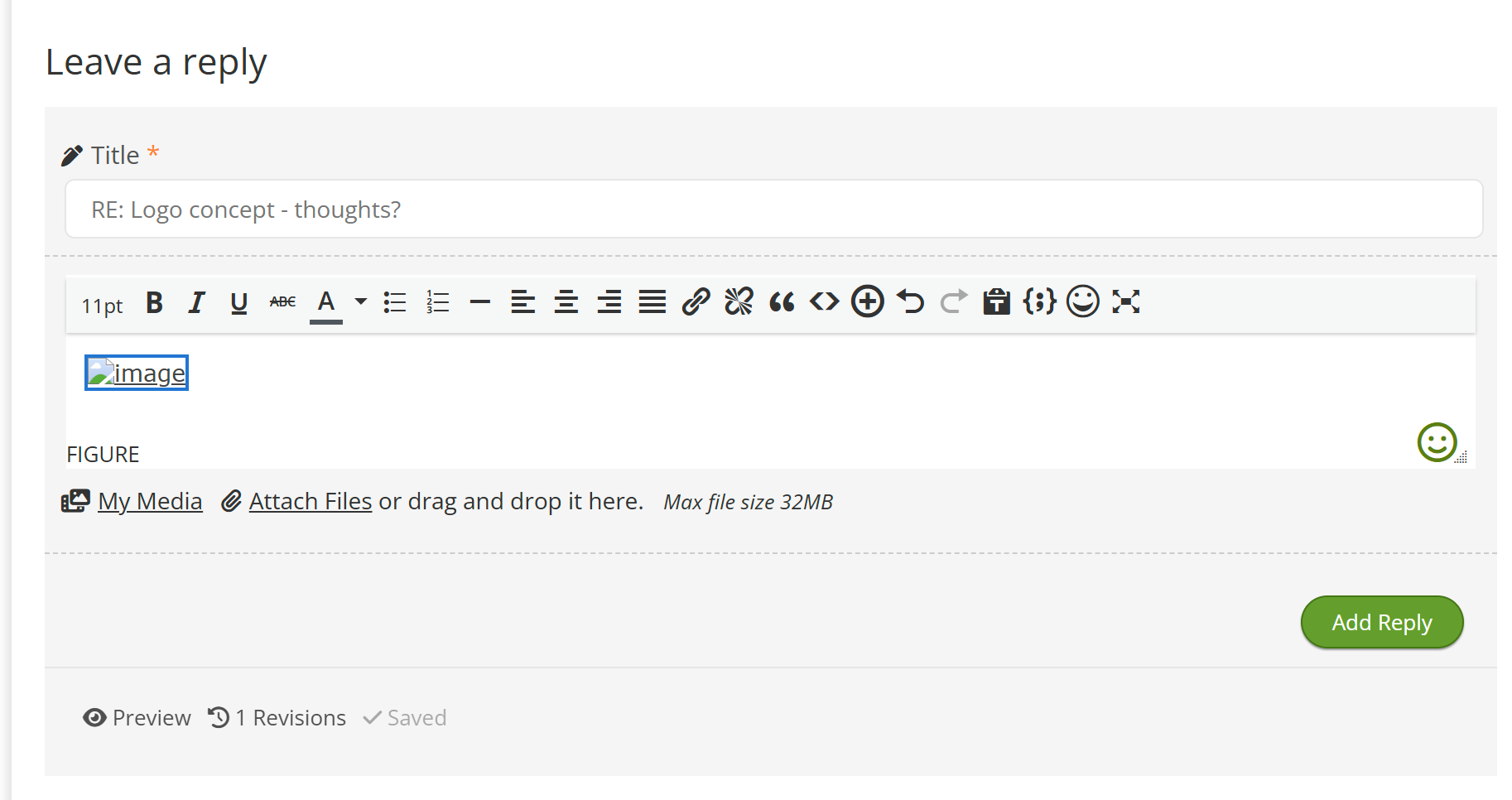
I'm having an issue with uploading files and/or them displaying. Here's a screenshot of what I see after attaching an image: 
image

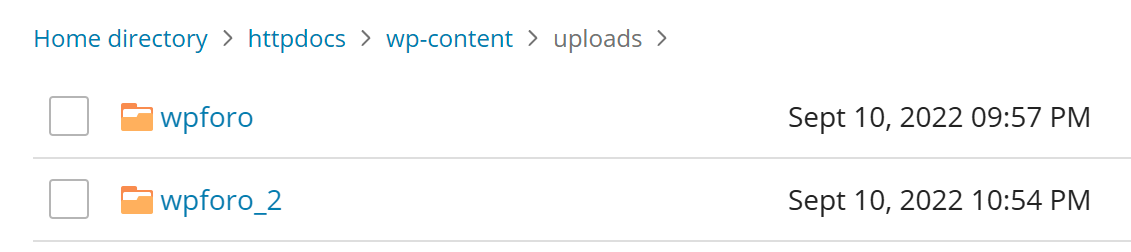
Notice that it shows the image name but the image does not actually show up.  When I search for that file name from my cpanel there is no file and I'm not sure what directory the addon is trying to upload the files to.

3 Replies
Posts: 3
Customer
Topic starter
Translate
English
Spanish
French
German
Italian
Portuguese
Russian
Chinese
Japanese
Korean
Arabic
Hindi
Dutch
Polish
Turkish
Vietnamese
Thai
Swedish
Danish
Finnish
Norwegian
Czech
Hungarian
Romanian
Greek
Hebrew
Indonesian
Malay
Ukrainian
Bulgarian
Croatian
Slovak
Slovenian
Serbian
Lithuanian
Latvian
Estonian
(@martin-lotz)
Member
Joined: 4 years ago

I love chatGPT for helping to solve problems.  It directed me to the location of attachment uploads and I found the files in the folder wpforo>>attachments  There are thumbnails and the original images. 

image

But unlike this site, the images on my site are erroring.


Reply
Posts: 3
Customer
Topic starter
Translate
English
Spanish
French
German
Italian
Portuguese
Russian
Chinese
Japanese
Korean
Arabic
Hindi
Dutch
Polish
Turkish
Vietnamese
Thai
Swedish
Danish
Finnish
Norwegian
Czech
Hungarian
Romanian
Greek
Hebrew
Indonesian
Malay
Ukrainian
Bulgarian
Croatian
Slovak
Slovenian
Serbian
Lithuanian
Latvian
Estonian
(@martin-lotz)
Member
Joined: 4 years ago

I narrowed the issue down to the secure attachments being enabled. If I disable it they work just fine.  Only if secure attachments are enabled do I get the display error.


Reply
1 Reply
Astghik
Admin
(@astgh)
Joined: 8 years ago

Illustrious Member
Posts: 6645
Translate
English
Spanish
French
German
Italian
Portuguese
Russian
Chinese
Japanese
Korean
Arabic
Hindi
Dutch
Polish
Turkish
Vietnamese
Thai
Swedish
Danish
Finnish
Norwegian
Czech
Hungarian
Romanian
Greek
Hebrew
Indonesian
Malay
Ukrainian
Bulgarian
Croatian
Slovak
Slovenian
Serbian
Lithuanian
Latvian
Estonian

@martin-lotz 

This is correct. Some hosting configurations can cause issues when this option is enabled.

This option is necessary to restrict attached files from public access and prevent them from being visible in the /wp-content/uploads/ directory. If you don’t have any issues with attachments being publicly accessible, simply disable this option.


Reply
Share:
Scroll to top